

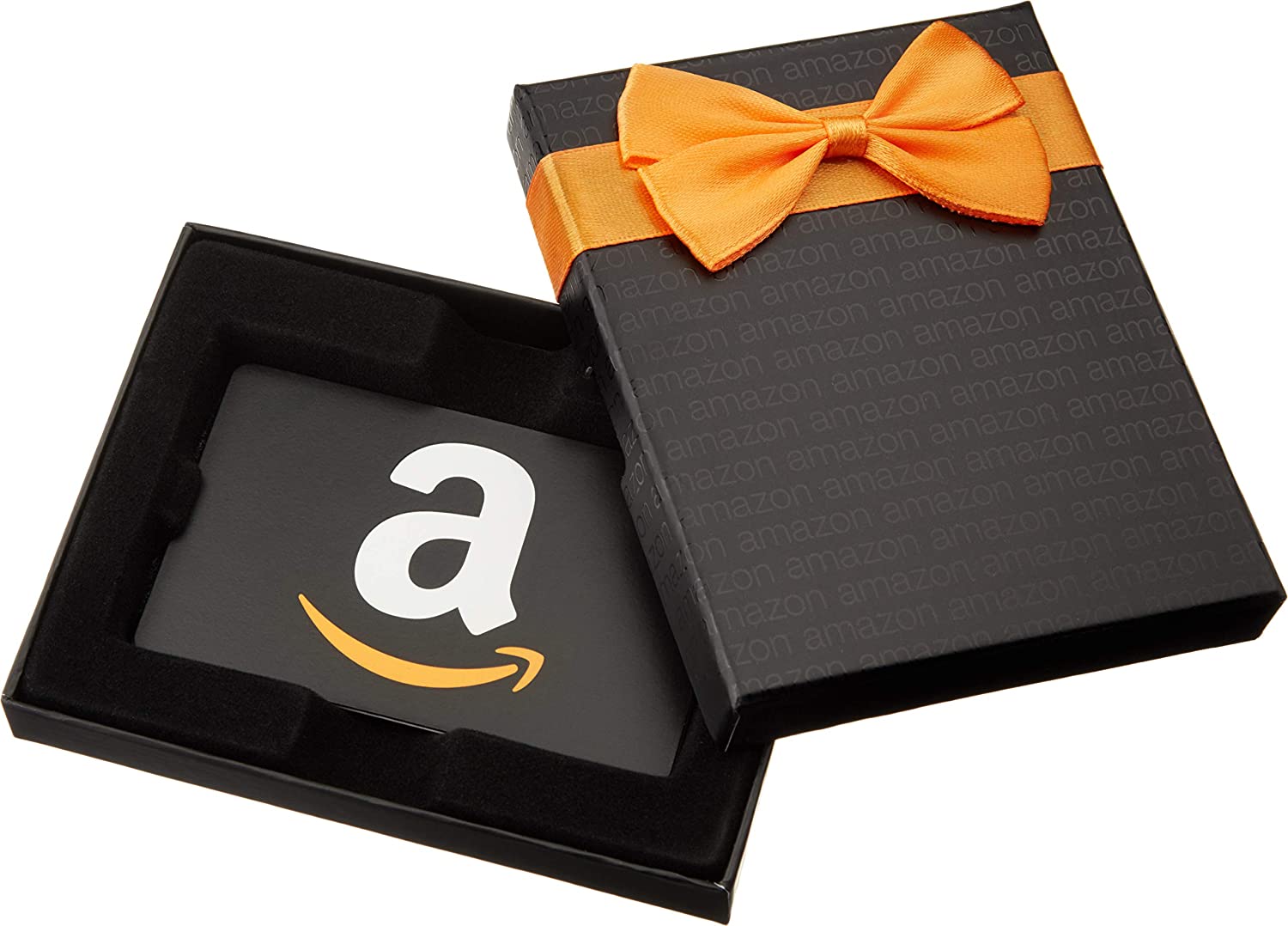
Amazon, the leading e-commerce platform, is known for its diverse product range and outstanding services. One such service is the Amazon Gift Card, which provides users with a versatile, easy-to-use payment method. This article offers a comprehensive guide on how to check your Amazon gift card balance, ensuring you can effectively manage your Amazon finances.
Amazon Gift Cards: A Quick Overview
Before we delve into the how-to of balance checking, let’s take a brief look at Amazon Gift Cards. Available in multiple formats – physical cards, eGift cards, or print-at-home cards – Amazon gift cards offer a monetary value that can be redeemed on millions of products. They make ideal gifts, thanks to their flexibility and wide acceptance.
Step-by-Step Guide to Checking Your Amazon Gift Card Balance
Checking your Amazon gift card balance is a straightforward process that can be accomplished in just a few simple steps.
1. Sign in to Your Amazon Account: Navigate to Amazon’s homepage, locate the Sign In option, and enter your account credentials. Remember, your gift card balance is linked to your Amazon account, and you need to be logged in to access it.
2. Navigate to Your Account: Once logged in, move your cursor over Account & Lists on the Amazon navigation bar and click on Your Account from the drop-down menu.
3. Click on Gift Cards: On the account page, look for the Gift Cards section. This page will give you an overview of your gift card balance and related details, including balance reloads and redemption history.
Using the Amazon App
Those who prefer using mobile devices can use the Amazon App to check their gift card balance. After logging into your account on the Amazon App, tap on the menu (≡), and select ‘Your Account.’ Under the ‘Payments’ section, you will find ‘Manage gift card balance.’ This option will display your current balance.

Understanding Amazon Gift Card Statements
When you check your balance, you’ll notice two main components – your current balance and your transaction history.
1. Current Balance: This represents the total unused balance from all your Amazon gift cards. You can use it towards any future purchases on Amazon.
2. Transaction History: This keeps a log of all gift card-related activities, including balance reloads and gift card redemptions. Monitoring this regularly can help you keep track of your spending.
Keeping Your Amazon Gift Card Secure
Your Amazon gift card balance is as valuable as cash and needs to be treated with similar care. Never share your Amazon account credentials or gift card details with anyone, especially unsolicited contacts or unverified sources.
Amazon has a secure payment framework, but users must be vigilant about potential scams. Scammers may pose as Amazon representatives, asking for gift card details under the guise of resolving an issue. Amazon will never ask for personal information or gift card details over email, phone, or text messages.
Troubleshooting: What If My Balance Is Incorrect?
If you think your balance is incorrect or transactions have been made without your knowledge, reach out to Amazon’s customer service immediately. They have a dedicated team for gift card inquiries and will assist you promptly.
The Potential of Amazon Gift Cards
Beyond being an excellent gifting solution, Amazon gift cards can be a fantastic budgeting tool. Regularly checking and managing your gift card balance can help you control your spending on the platform. Moreover, with various gift card deals Amazon frequently offers, you might also save some money in the process!
Conclusion
Amazon Gift Cards are not just a convenience but a tool that, when used wisely, can enhance your online shopping experience. Being aware of your gift card balance is key to utilizing this tool to its full potential. The process is straightforward, whether you prefer to check on your computer or mobile app. So, go ahead and make the most of your Amazon shopping experience knowing exactly where your balance stands. Happy shopping!
Remember, while Amazon’s digital landscape may seem vast, once you understand how to navigate it, you’ll find it is an efficient and user-friendly platform that aims to enhance your e-commerce experience.

Evan McKenzie is a contributor at Vaughantoday.ca, covering a wide range of topics including local news, politics, business, technology, sports, entertainment, and lifestyle. He focuses on clear, balanced reporting that helps readers stay informed about current events and issues that matter to their communities. His work aims to provide useful information, timely updates, and relevant stories presented in an accessible and reader-friendly way.