

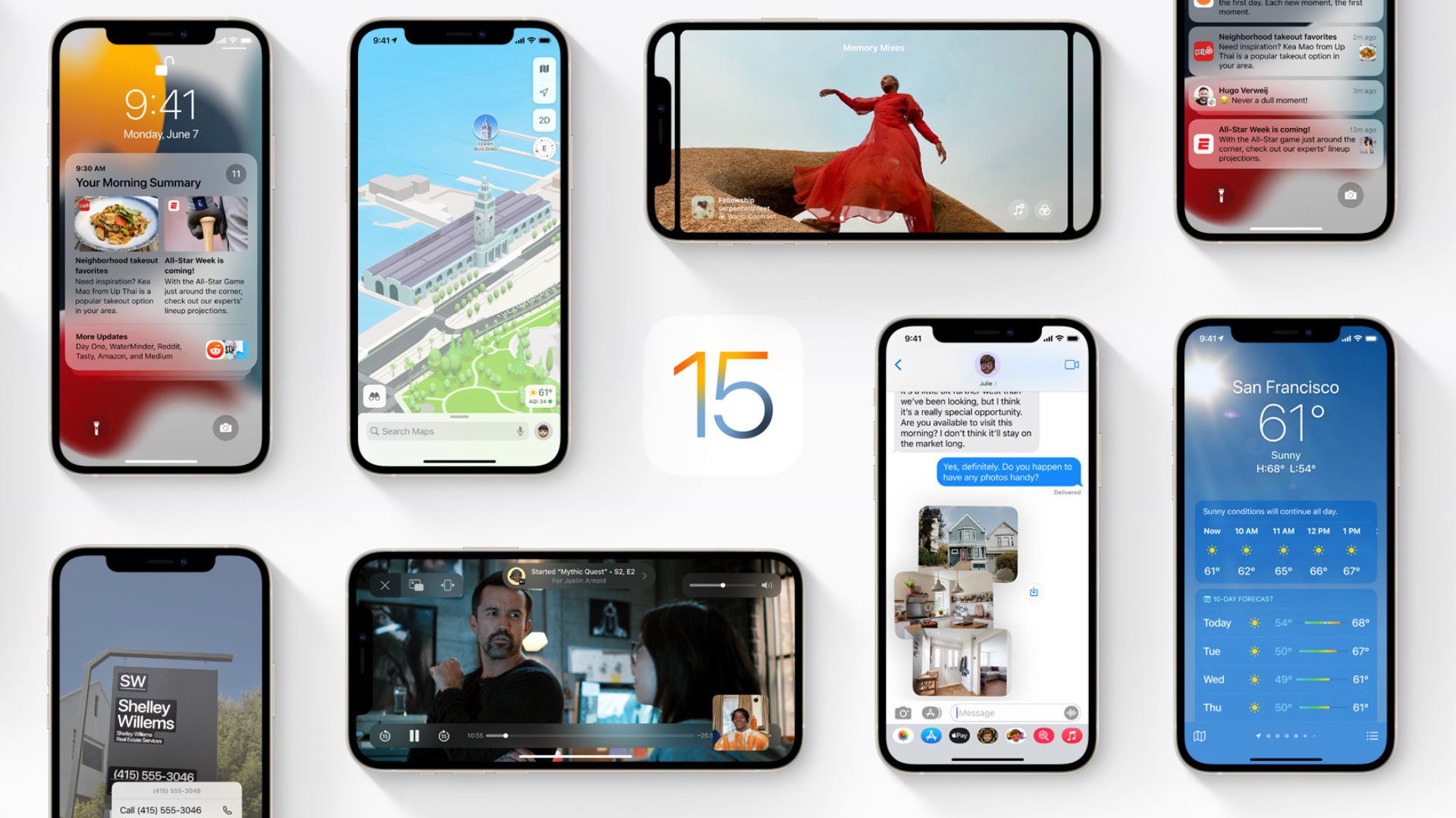
If you’re tempted to install a trial version of Apple OS, iOS 15, or iPadOS 15, don’t give in to the temptation to install too quickly. Here are some tips and information to read before you get started.
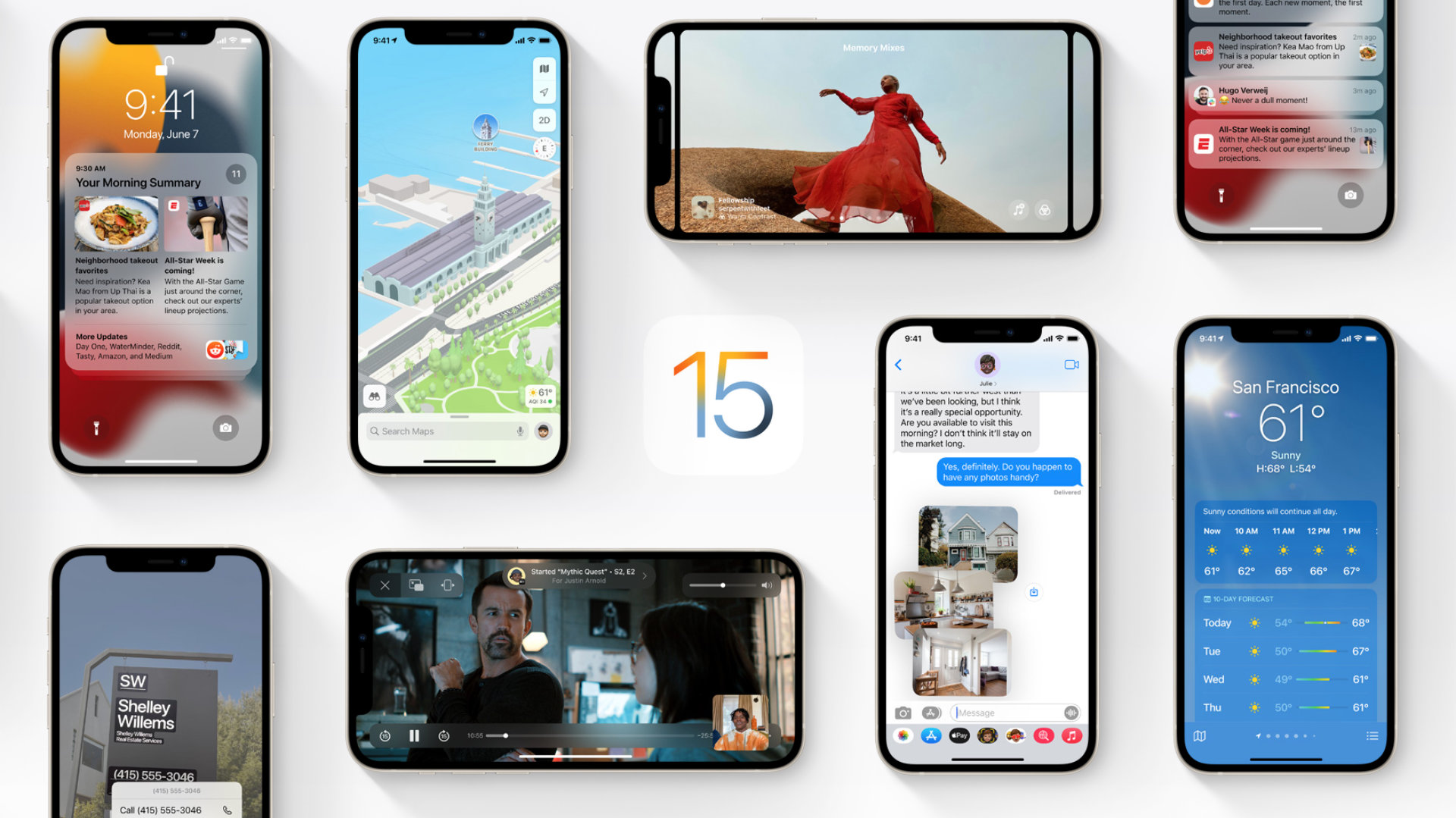
iOS 15 is now available! Well almost. iPhone update shown at WWDC 2021 Available since June 30th in public beta For a number of iPhone and iPod devices, as well as an iPad with iPadOS 15. If you want to download and install a beta version of iOS, the process to follow is explained.
How do I install the iOS 15 and iPadOS 15 public beta?
Public beta is released. If you are having trouble accessing the Apple website, keep trying. Apple servers are currently overloaded.
Start by registering your iPhone or iPad in public beta program. You will need to use Safari on your iPhone or iPad to visit this page. If you were in the public beta before, sign in with the same Apple ID you used before. Otherwise, click the “Register” button and follow the instructions. Obviously, you’ll need to sign in with the same Apple ID that you use on your iPhone or iPad.

Now that you are logged in, click on the appropriate system version for your device. For example, tap iOS if you are registering your iPhone, or tap iPadOS if you are registering your iPad. In the department Begins, there will be a link to the title Register your device ; You just have to click on it. Read Apple’s Help, which includes the same basic and important tips: Create a backup before moving forwardCharge your device sufficiently… Once your device is saved, install the demo profile by pressing the blue button Download the profile.
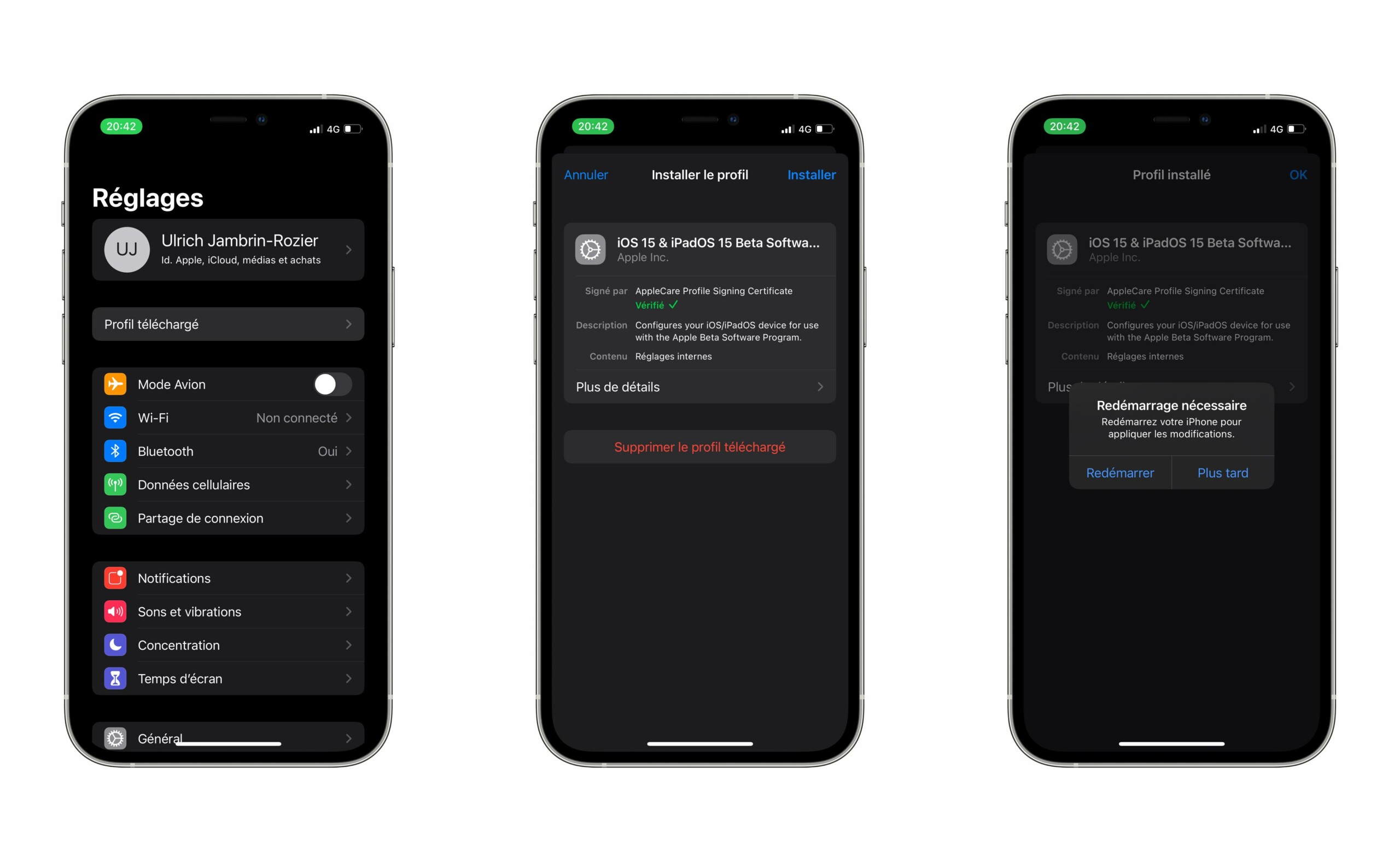
Once you install the iOS 15 beta profile on your iPhone, you will be asked to restart your iPhone. Do that and then go to your iPhone settings again, On the General tab, then Software Update. You will then be able to download the iOS 15 beta as a simple over-the-air (OTA) update.
It’s quite a big download, so make sure you have a reliable Wi-Fi connection. We also recommend that you connect your phone to the charger to ensure that your device does not run out of power.
What’s new in iOS 15?
iOS 15 introduces new FaceTime calling features, tools to reduce distractions, a new notification experience, additional privacy features, a complete redesign of Safari, Weather, Maps, and more.
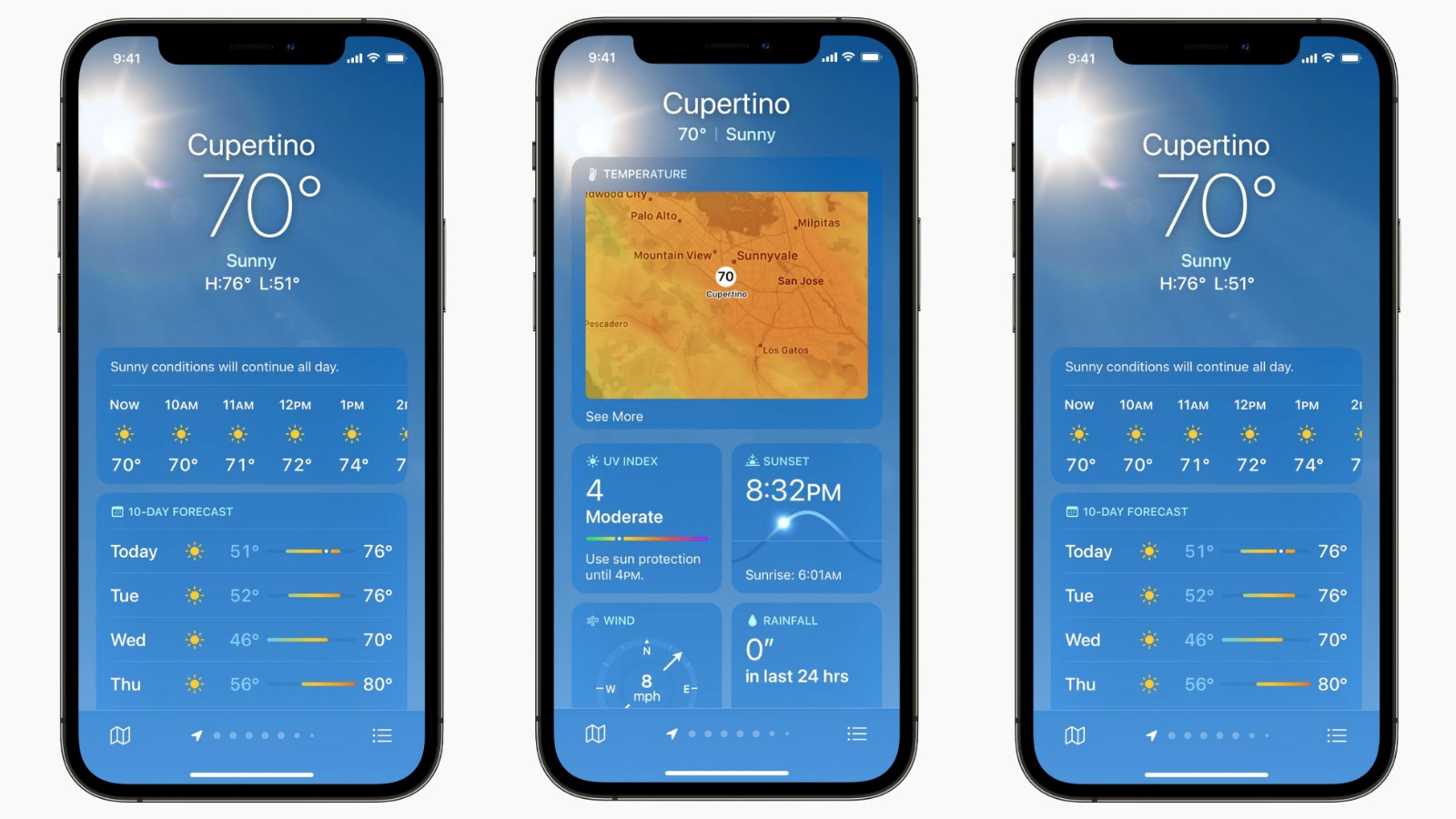
The new Weather app displays much more detail than before
Focus is a new feature Which can filter notifications and apps based on what you want to focus on at any time. We have described and used these focus patterns in a custom folder.
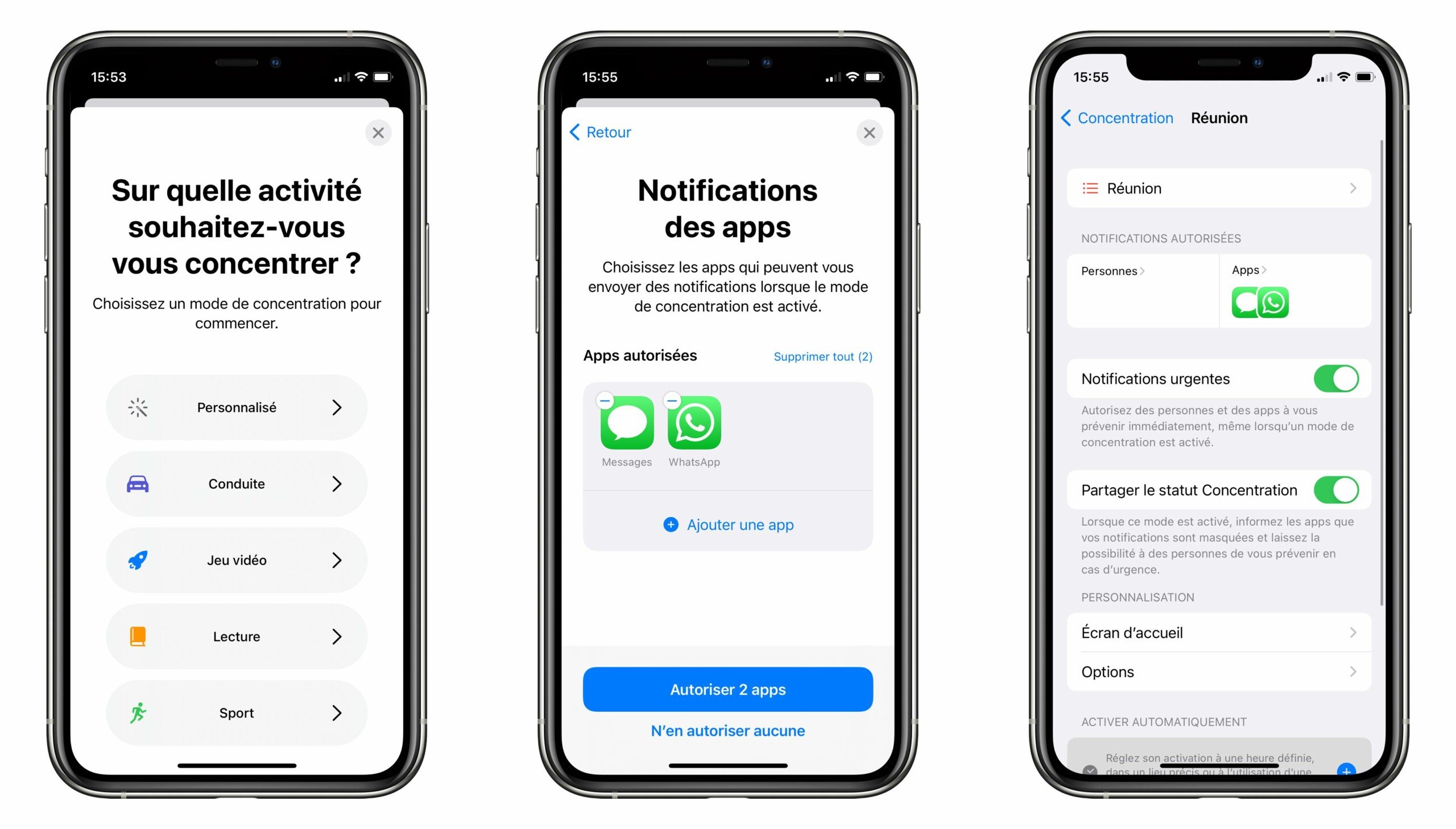
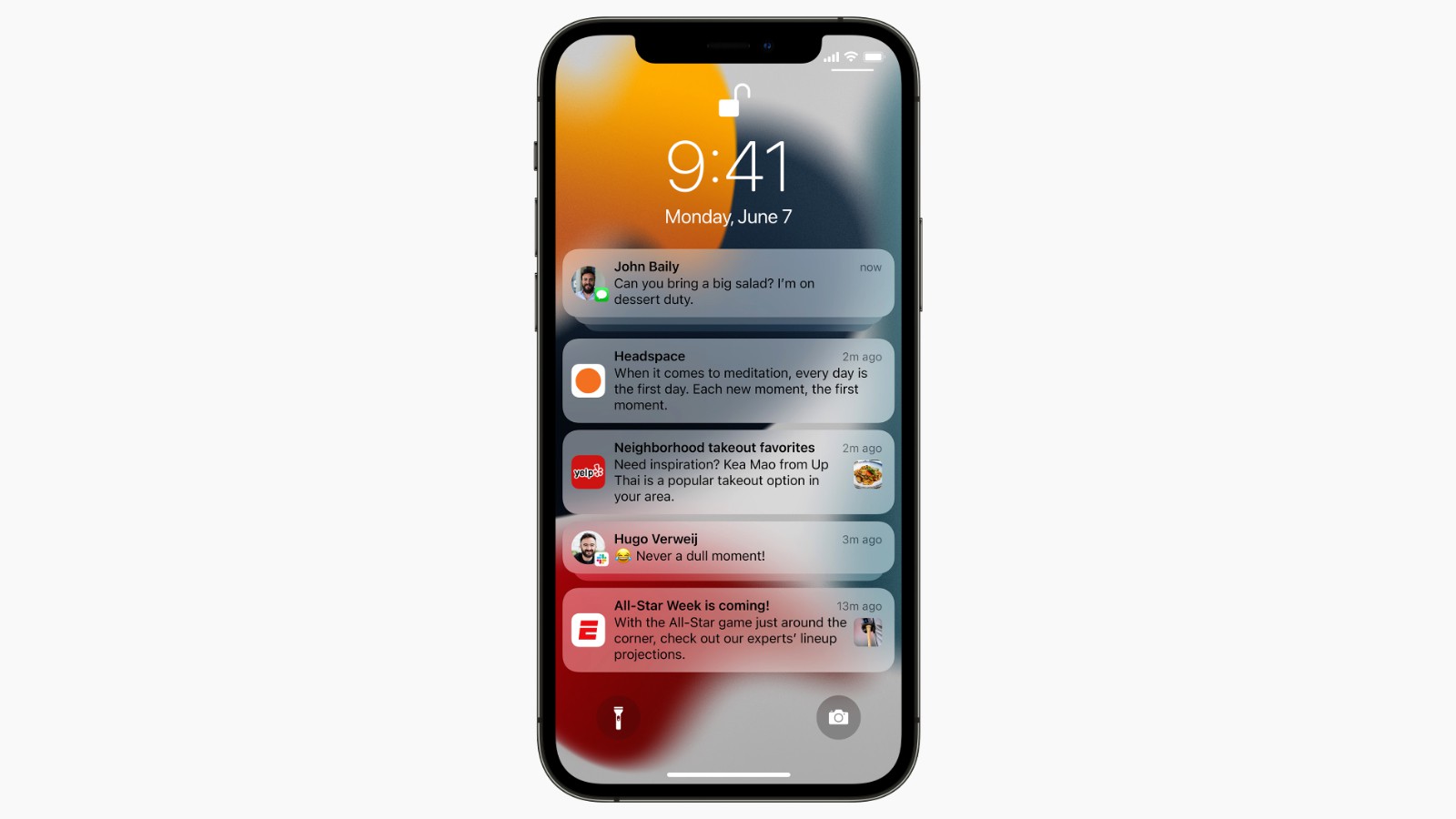
This “focus” mode is accompanied by a new design for notifications, with slightly different bubbles. For example, your contacts’ faces are displayed instead of an app icon, like Android. Every morning, your iPhone or iPad will also take care of giving you a quick summary of all your pending notifications by getting rid of the ones it deems irreplaceable.
Safari introduces a whole new design. It’s now easier to access the controls with one hand and focus more on the content of a web page. As you will see, there is a new compact tab bar floating across the bottom of the screen so users can easily switch between tabs. New Tab Groups allow users to easily save and access tabs at any time on any device. Finally, there is a new customizable start page and you can install web extensions for the first time.
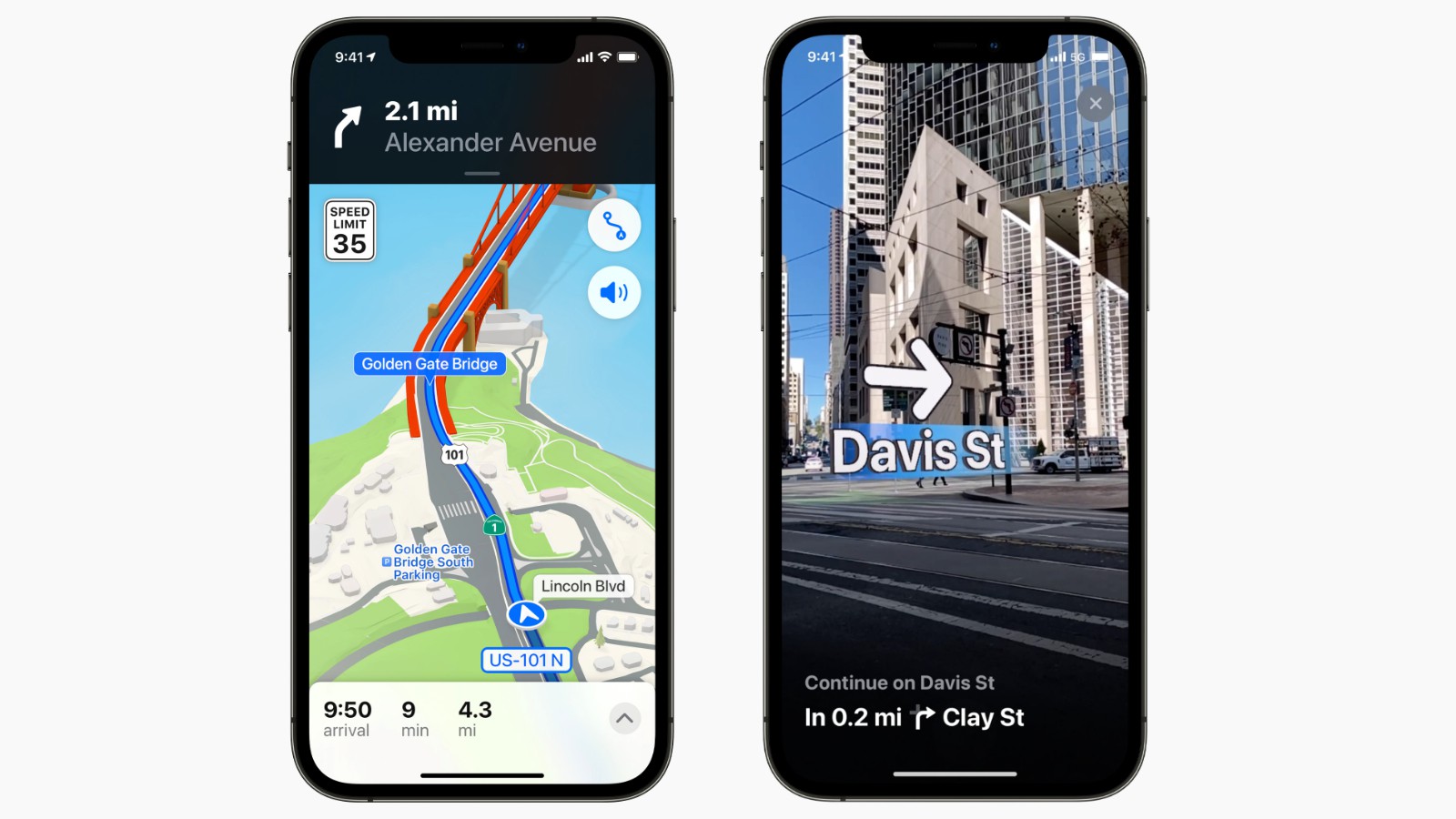
Maps now offers a new 3D view عرض In cities with significantly improved detail, be it buildings, footpaths, bike paths… There is also a new city driving experience with additional road details and improved public transit features, such as pinned favorite lines, subway exit notifications, and augmented reality walking routes.
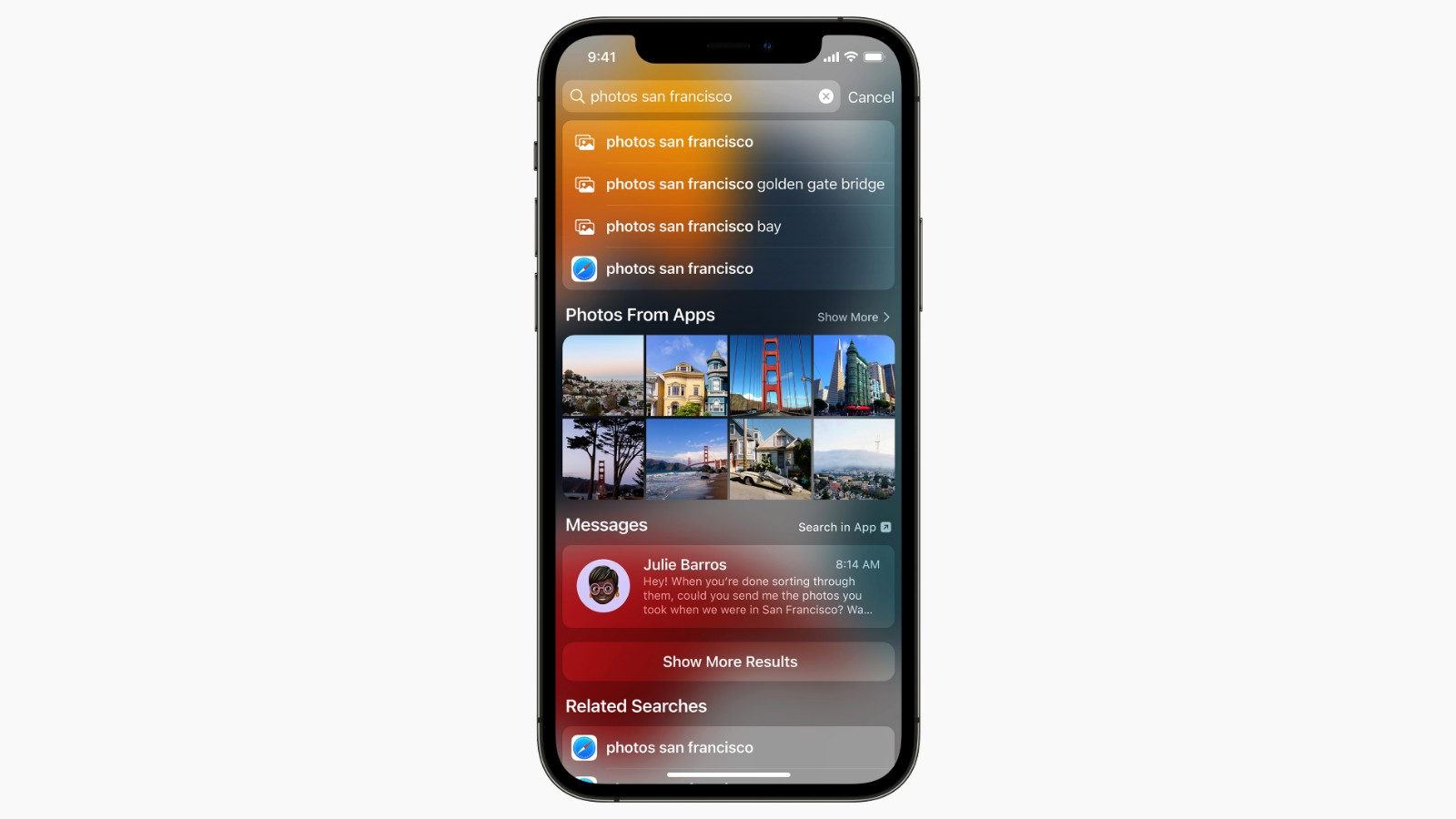
Live Text is a new feature that uses device intelligence To know the text of the image Users can search, highlight and copy. In fact, Spotlight’s internal search engine can now search for images by location, people, scenes, objects, and text. Spotlight also provides richer web image search and results for actors, musicians, TV shows, and movies.
iOS 15 also introduces new privacy measures, such as Process Siri requests directly on iPhone, which also has the advantage of providing better responsiveness, mail privacy protection to prevent senders from knowing if an email has been opened and detecting the recipient’s IP address, and a new screen to show how often apps use their assigned permissions.
There is also the possibilityInvite your friends on Android and Windows to make FaceTime calls. We have also tested this functionality. For iMessages, Apple’s messaging app getting better To allow you to better find the links someone sends you, based on the For You sections and the installation system. New Memoji are also available, while people who send a lot of photos at once will appreciate the ability to send many at once, with a folder that will take the form of a stack.

SharePlay is a new feature that allows users to share experiences with each other during FaceTime calls, including content like music on Apple Music or TV shows or movies on Apple TV. The advantage is that media plays synchronously for all participants and there are shared playback controls, so anyone in a SharePlay session can play, pause or skip content, as well as add it to a shared queue. SharePlay also gives users the option to share their screens to view apps together during a FaceTime call.
What’s new in iPadOS 15?
iPadOS 15 also arrives with His list of updates. For example, Apple has added widgets to home pages, like iPhones. Apple also adds its own App Library to the iPad. But unlike the iPhone, where you have to swipe right multiple times to get to it, Apple adds the App Library to the bottom dock.
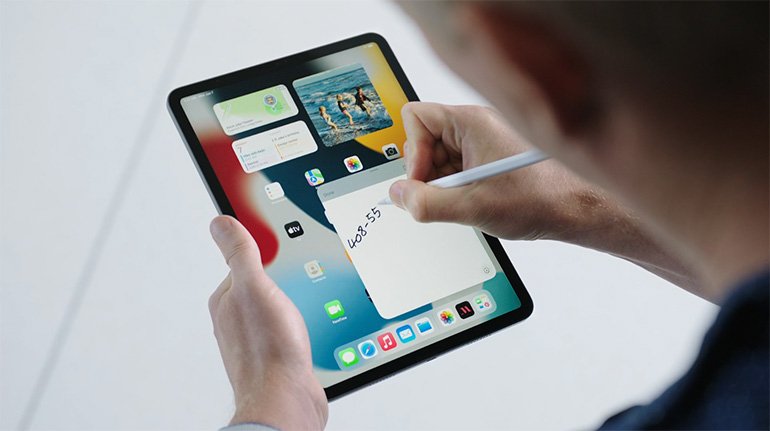
Apple is also revamping the way multitasking works. With iPadOS 15, Apple added a “shelves” feature that displays open windows in an app. So, in the email app, the shelves can be your open emails or your draft messages.
Does iOS 15 and iPad 15 work with iPhone and iPad?
All iPhones and iPod Touch devices that are already compatible with iOS 14, the version released in 2020, can in principle benefit from the update to iOS 15. This is a preliminary list that may change between now and the system release, although this is unlikely in this point.
- iPod Touch (7th generation)
- iPhone SE (1st generation)
- iPhone SE (2nd generation)
- iPhone 6S and 6S Plus
- iPhone 7 and 7 Plus
- iPhone 8 and 8 Plus
- iPhone X, XRXS and XS Max
- iPhone 11, 11 Pro and 11 Pro Max
- iPhone 12, 12 mini 12 Pro et 12 Pro Max
Regarding compatible iPads, here is the list:
- iPad Pro 12.9-inch (1st to 5th generation)
- iPad Pro 11-inch (1st to 3rd generation)
- 10.5 inch iPad Pro
- iPad Pro 9.7 inch
- iPad (5th-8th generation)
- iPad Mini (4th and 5th generation)
- iPad Air (2nd-4th generation)
Like every year, Apple unveiled the new version of its iOS during WWDC. The iOS 15 update will be available on all iPhones that are still supported.
read more


Evan McKenzie is a contributor at Vaughantoday.ca, covering a wide range of topics including local news, politics, business, technology, sports, entertainment, and lifestyle. He focuses on clear, balanced reporting that helps readers stay informed about current events and issues that matter to their communities. His work aims to provide useful information, timely updates, and relevant stories presented in an accessible and reader-friendly way.