

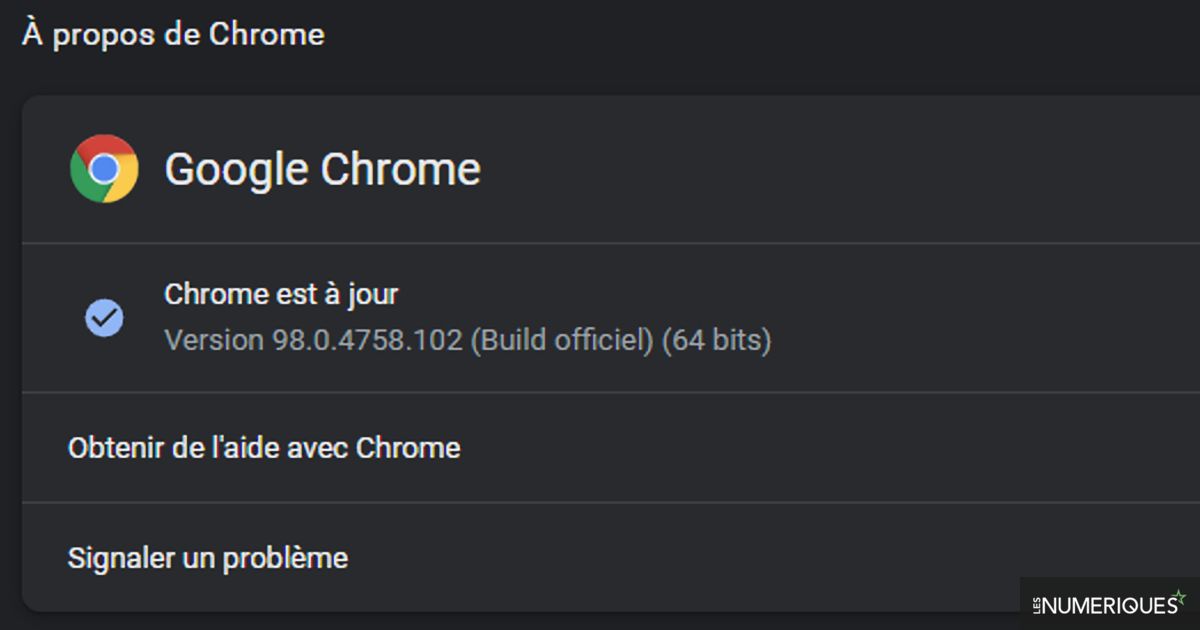
With a three-digit version number arriving on Edge, Chrome, and Firefox browsers, some websites may not display. Google and Mozilla are working on fixes, but it’s up to the websites to check for compatibility.
Chrome, Edge, and Firefox browsers will reach version 100 in a few weeks. If it sounds anecdotal, this move to a 3 digit version number can cause some problems for some websites.
Simply put, websites can adapt the content to be displayed according to the browser you are in. To do this, they consult the browser’s user agent – its ID, as it were. The problem is, this parameter is usually two digits, and some websites may not recognize 100 versions of browsers. So the affected website might be incorrectly displayed or simply not present.
Browser vendors have been aware of the problem since late 2021 and have already started working on solutions. On the Chrome side, by upgrading the browser by default to version 100 via the User-Agent, problematic sites were identified and the publishers of those sites were able to rectify the situation. Google is even considering a mild solution that would consist of leaving the User-Agent at 99 and indicating the version after that number like this: 99.101.4988.0. Mozilla opted for another solution, a kind of whitelist that allows the browser to recognize a site that might be causing problems and modify the User-Agent accordingly. The menu is visible by typing About: citizen in the browser address bar.
Site publishers are invited to check their compatibility
As we have seen, the problem does not come from the browsers themselves, but from the way websites see it. Thus, website publishers are encouraged to check their compatibility and correct the way they specify the user agent. It is actually possible to simulate a user factor of 100 in Chrome and Edge by activating the advisor chrome://flags/#force-major-version-to-100 where edge://flags/#force-major-version-to-100. On Firefox, you must have the Night Edition to activate the “Firefox 100 User-Agent String” parameter.
Website publishers have until March 29 to check their compatibility with Chrome, until March 31 for Edge and until May 3 for Firefox, when 100 versions reach.

Evan McKenzie is a contributor at Vaughantoday.ca, covering a wide range of topics including local news, politics, business, technology, sports, entertainment, and lifestyle. He focuses on clear, balanced reporting that helps readers stay informed about current events and issues that matter to their communities. His work aims to provide useful information, timely updates, and relevant stories presented in an accessible and reader-friendly way.