

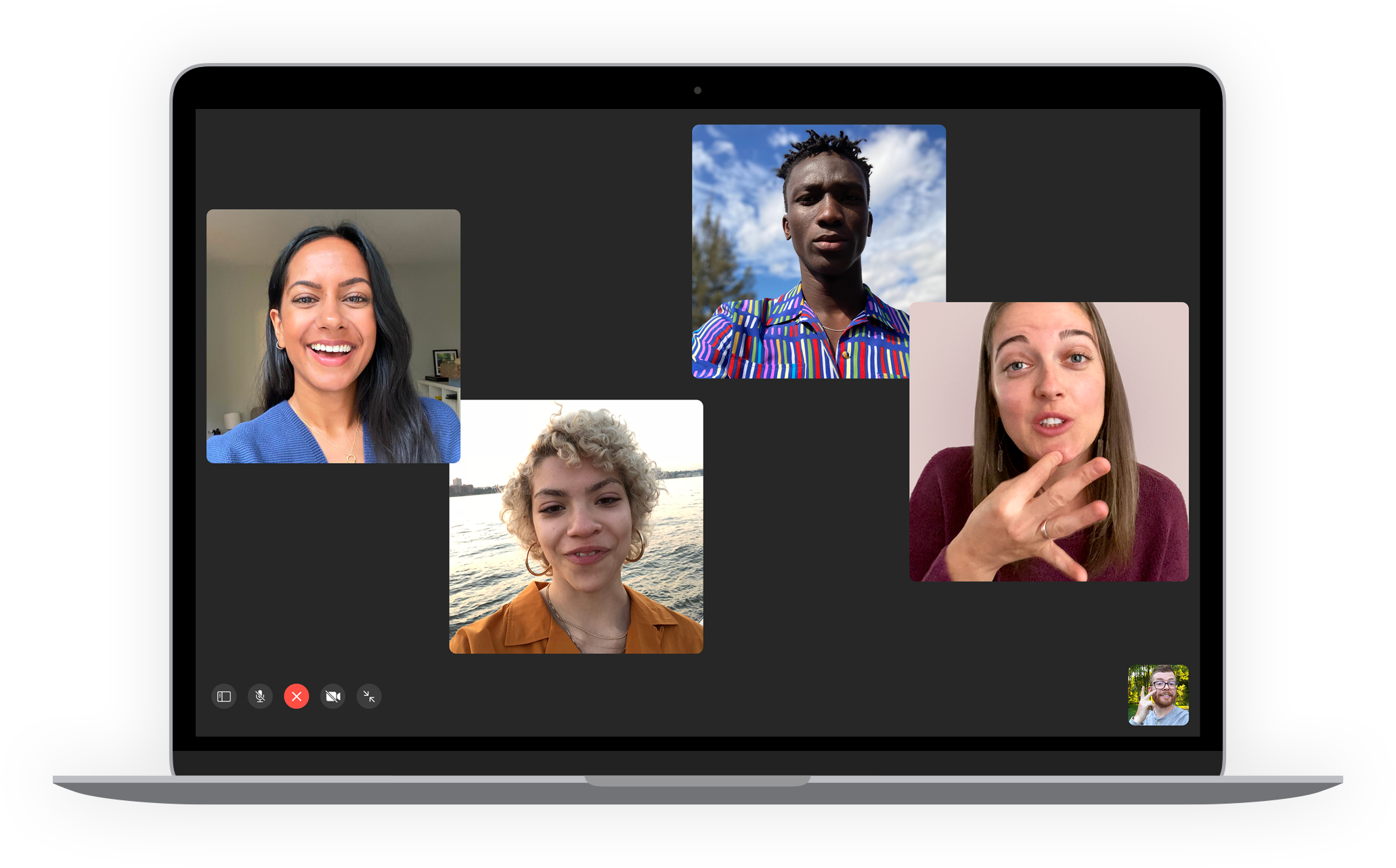
On International Accessibility Awareness Day on May 20, Apple announces a series of innovations for people with physical, auditory and visual impairments. France will also benefit from the sign language assistance service this Thursday.

Source: Apple
Accessibility is definitely not a topic taken lightly at Apple. The topic already has it Dedicated site. On the occasion of International Accessibility Awareness Day that falls on Thursday, May 20, the Apple brand is unveiling the following innovations to bring its products and services to the largest number of people possible.
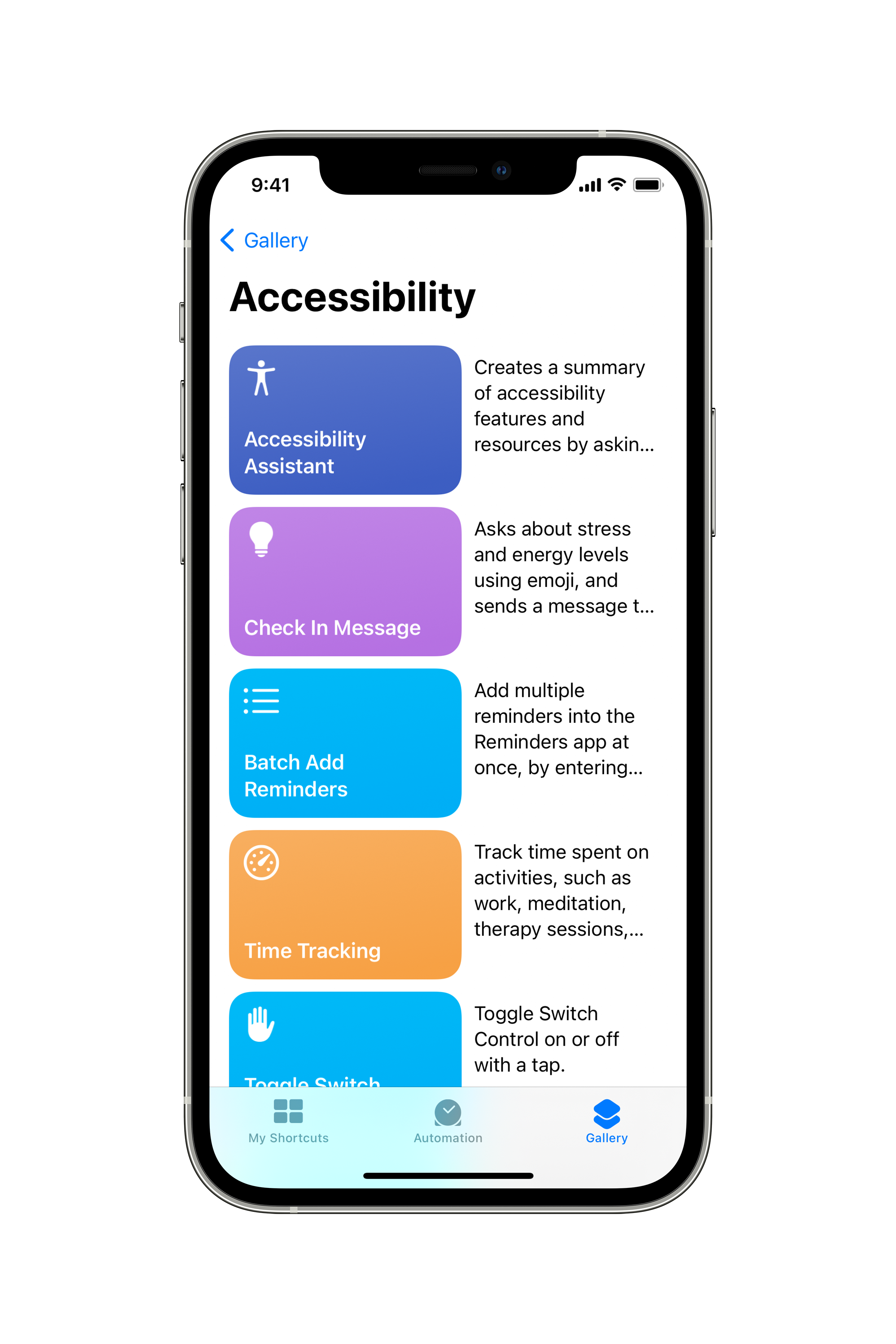
Whether it is on l’iPhone, l’iPad, Mac and even l’Apple WatchAccessibility functions are already numerous. Apple goes further by improving certain functions in its products. Starting with iPhone and iPad, which will inherit access actions with the help of Siri. The custom accessibility menu will allow you to discover other actions and how to configure them.
Source: Apple
Use your Apple Watch without touching the screen
Small size by definition, l’Apple Watch It is not necessarily the easiest object to use by a user with motor skills or vision. For the latter, there was the possibility to enlarge the font or use VoiceOver to dictate all the functions. But for people with a physical impairment of the upper extremities, using the connected watch was a complicated affair.
In the next update to watchOS 7, Apple Watch will be boosted with AssistiveTouch, an access feature that allows you to use the device without having to touch the screen or controls. For this, motion sensors (gyroscope, accelerometer) as well as a heart rate sensor will work.

Supported by machine learning functions, the watch will be able to detect various muscle movements and tendon activity, even if it is light, in order to allow navigation with an on-screen indicator. The user will only have to perform hand gestures such as pressing or closing fingers to perform actions such as answering a call and validating the list. Rotating his wrist will also move the pointer.
This can be very useful for people with different memberships and they will then be able to easily answer calls, access notifications, apps, etc. Thus controlling the movement indicator on the screen.
IPad will integrate eye tracking
If you are visually impaired, there are several improvements announced, such as support for eye tracking devices for iPads in the next release of iPadOS. It would then be easier to control the tablet with eyes only while looking at the screen. The indicator will then follow your gaze to take action, with support from compatible devices.
Change the width and size parameters for text. Now it can be more customized in each compatible app in order to adapt to each person’s disability.
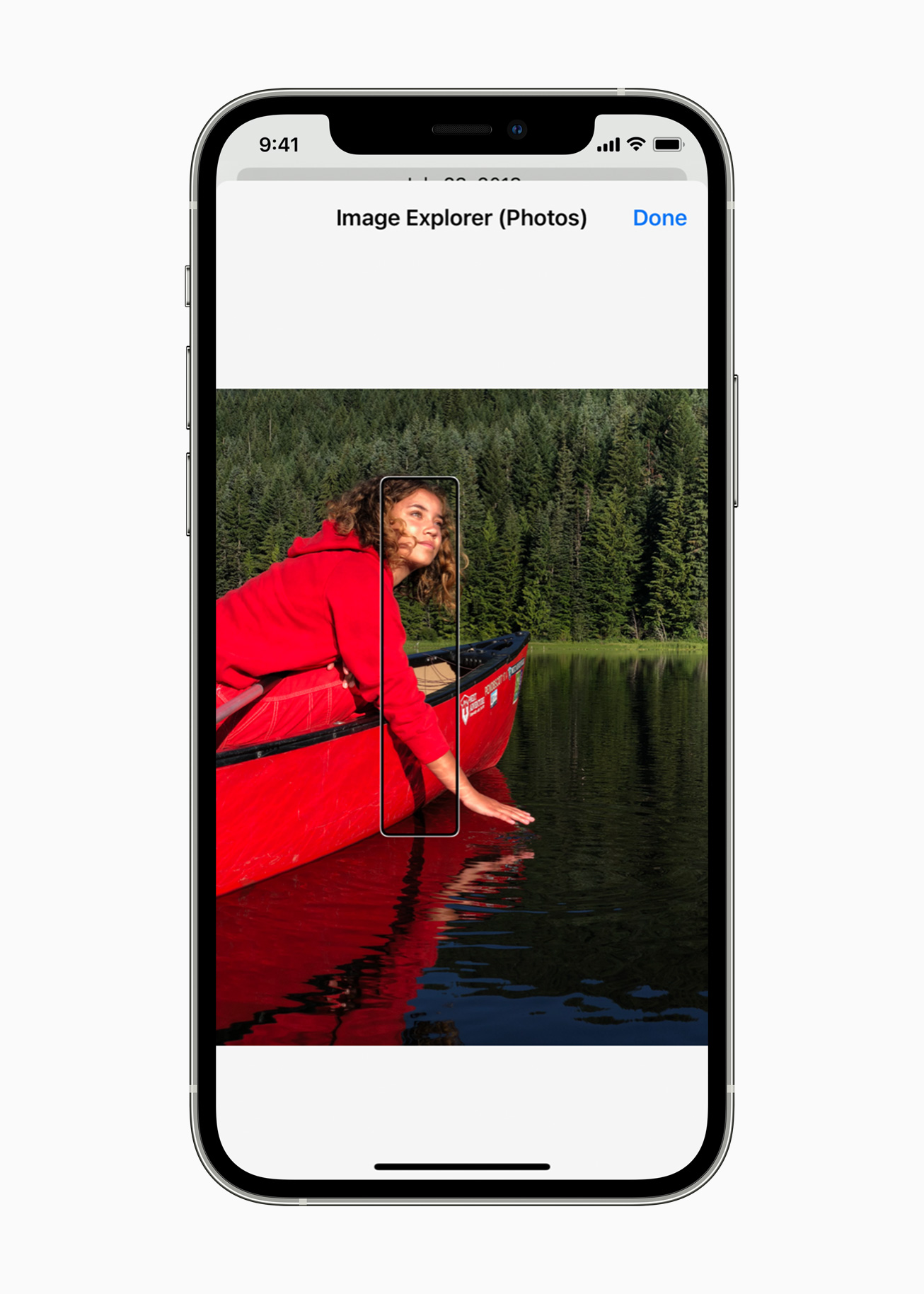
VoiceOver can now describe every element in your image // Source: Apple
In addition, the hearing and vision impaired will benefit from the new features introduced in Voiceover. Screen reader has taken advantage of describing images for quite some time. It will now be able to provide more details about people, text, objects, and any other data in the image. Users will be able to browse an image or image by making use of the most accurate description by VoiceOver. This also works for the receiving table, which can be detailed column by column, row by row. For a valid image, the tagging function will allow you to add your own descriptions to an image sent to a person with a disability.
Enhanced sound for better immersion in the real world
To keep in touch with the world around us, hearing remains an essential sense. For this, Apple will reinforce its support for two-way hearing aids in particular. These new hearing aid microphones will allow hands-free functionality on a phone call or with FaceTime. This requires that they have the label Made for iPhone.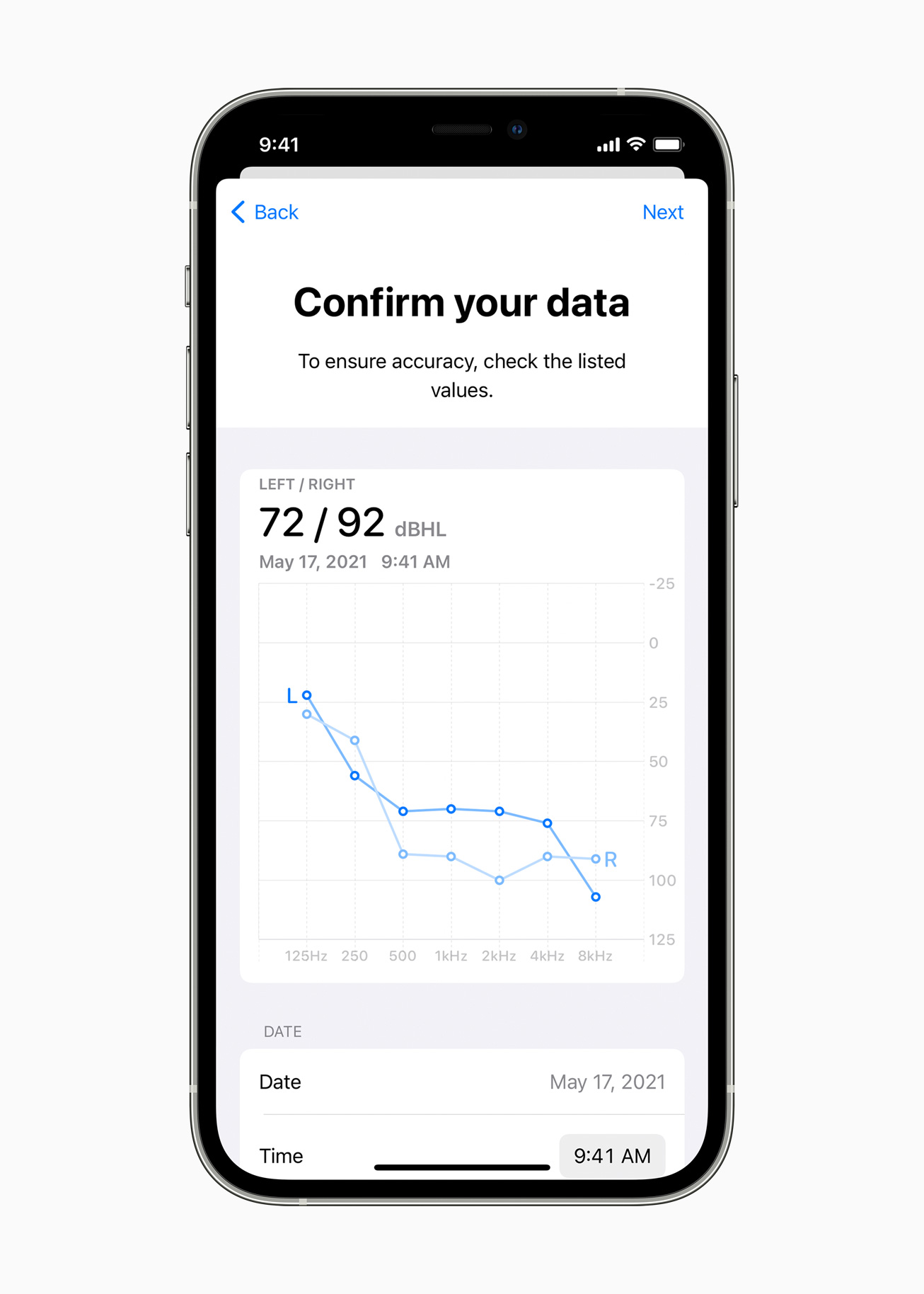
Apple devices will also recognize AudiogramsThese are graphics that show the result of the hearing test. This will allow you to better adjust certain frequencies according to a person’s hearing, or to amplify soft sounds. All you need to do is incorporate the most recent hearing assessments (paper or PDF) to customize settings afterward.
And if the user is silent or has difficulty expressing himself, the new functionality Voice Actions for Switch Control Physical buttons and other keys will be allowed to be replaced by mouth sounds (click, pop, “E” …).
To support neurological diversity, Apple will also introduce new background sounds to help reduce distraction. By limiting everyday sounds that can be uncomfortable, distracting, balanced, radiant, or darker, the sounds of rain, ocean, or other sounds can then be played continuously in the background.

Source: Apple

Source: Apple
SignTime, Sign Language Customer Service
But the big news reaching Apple is creating a service in its name SignTime Starting on Thursday May 20. Customers who use the Apple Store or AppleCare service with their web browser will be able to take advantage of translation into sign language, even in French. No need to book an interpreter for this.
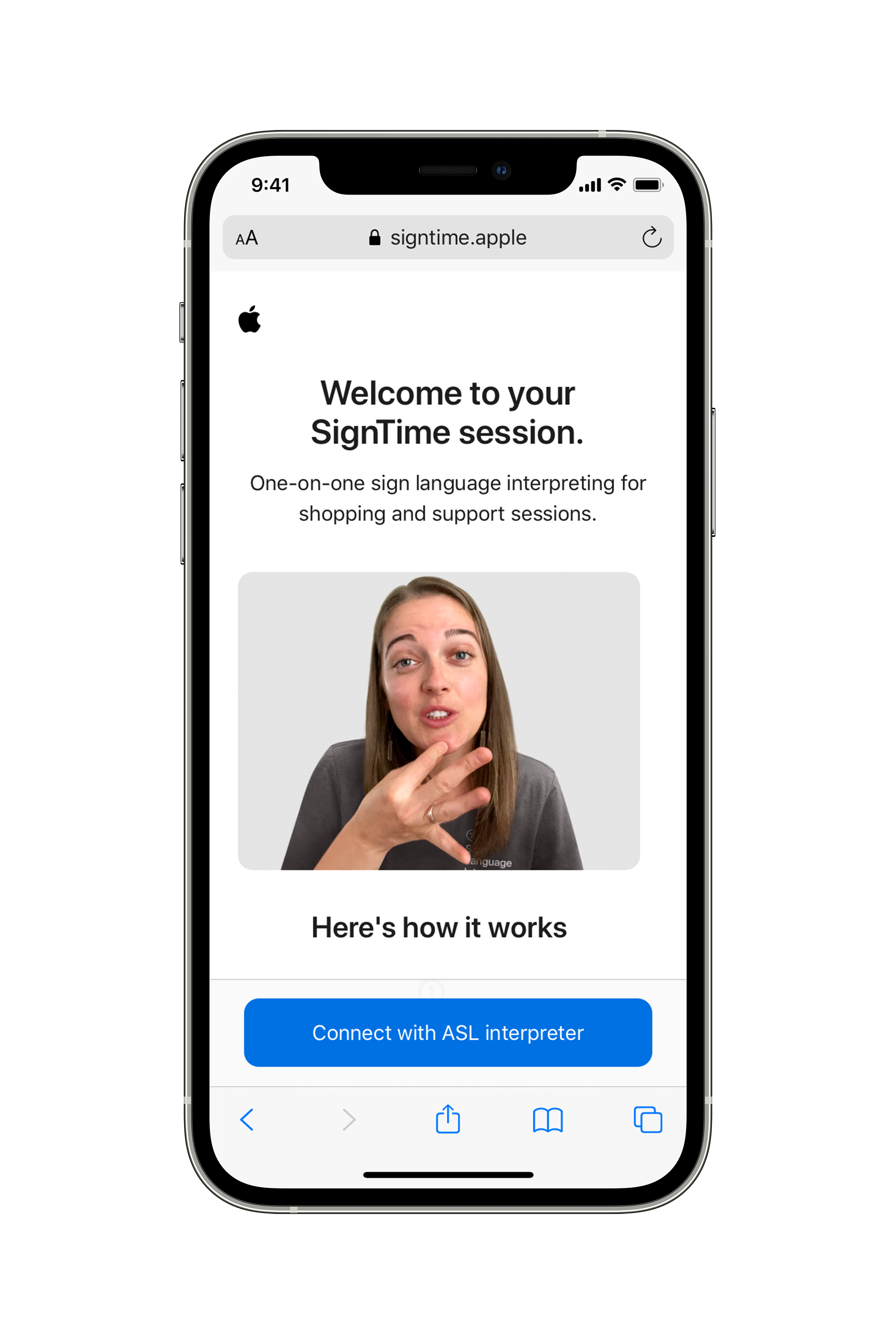
Sign Language Translator is available with SignTime // Source: Apple
SignTime will initially roll out in the US, UK and France. ” We always believed that the best technology in the world should meet everyone’s needsSara Hurlinger, head of accessibility policy and initiatives at Apple, says.“We are working tirelessly to build accessibility in everything we design. With these new features, we’re pushing the boundaries of innovation with next-generation technologies that bring the fun and functionality of Apple technology to more people.”
All of these functions will be rolling out gradually over the next few months on iPhone, iPad, or Apple Watch. On International Accessibility Awareness Day, Apple also organizes online events highlighting disability content on Apple TV, the App Store, or even as part of Apple Books recommendations. Today’s sessions at the Apple Store and in Apple Store stores will provide an opportunity, in sign language, to learn about essential iPhone or iPad functions that can help people with disabilities. New Memoji will also appear so everyone can represent themselves with their disability, whatever it is.
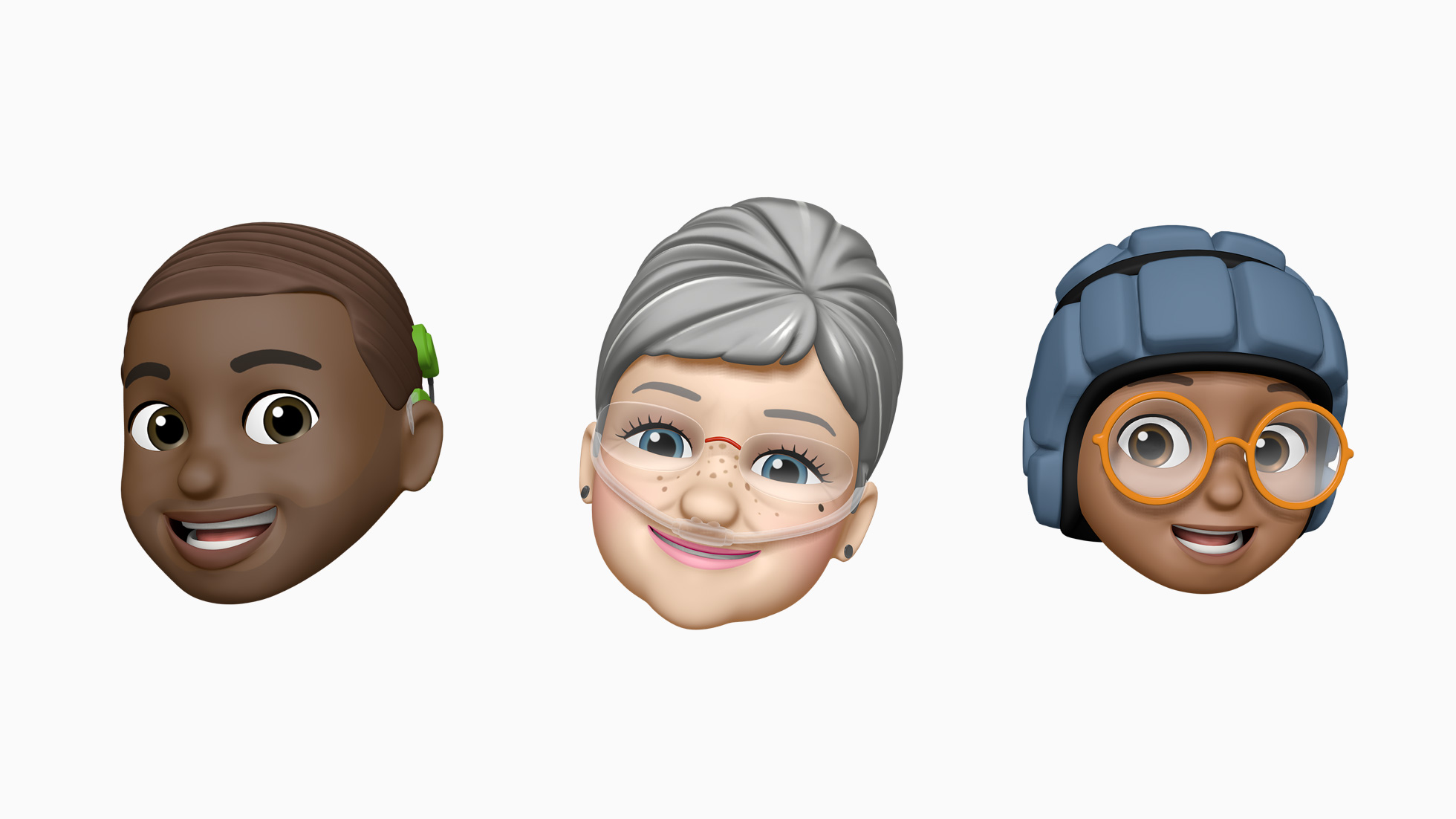
Memoji reserves the right to represent all users // Source: Apple
To be able to easily participate in a conversation when you have a hearing impairment or are muted, find your way when you are visually impaired: the many situations in which technology now can help facilitate everyday life …
read more


Evan McKenzie is a contributor at Vaughantoday.ca, covering a wide range of topics including local news, politics, business, technology, sports, entertainment, and lifestyle. He focuses on clear, balanced reporting that helps readers stay informed about current events and issues that matter to their communities. His work aims to provide useful information, timely updates, and relevant stories presented in an accessible and reader-friendly way.