

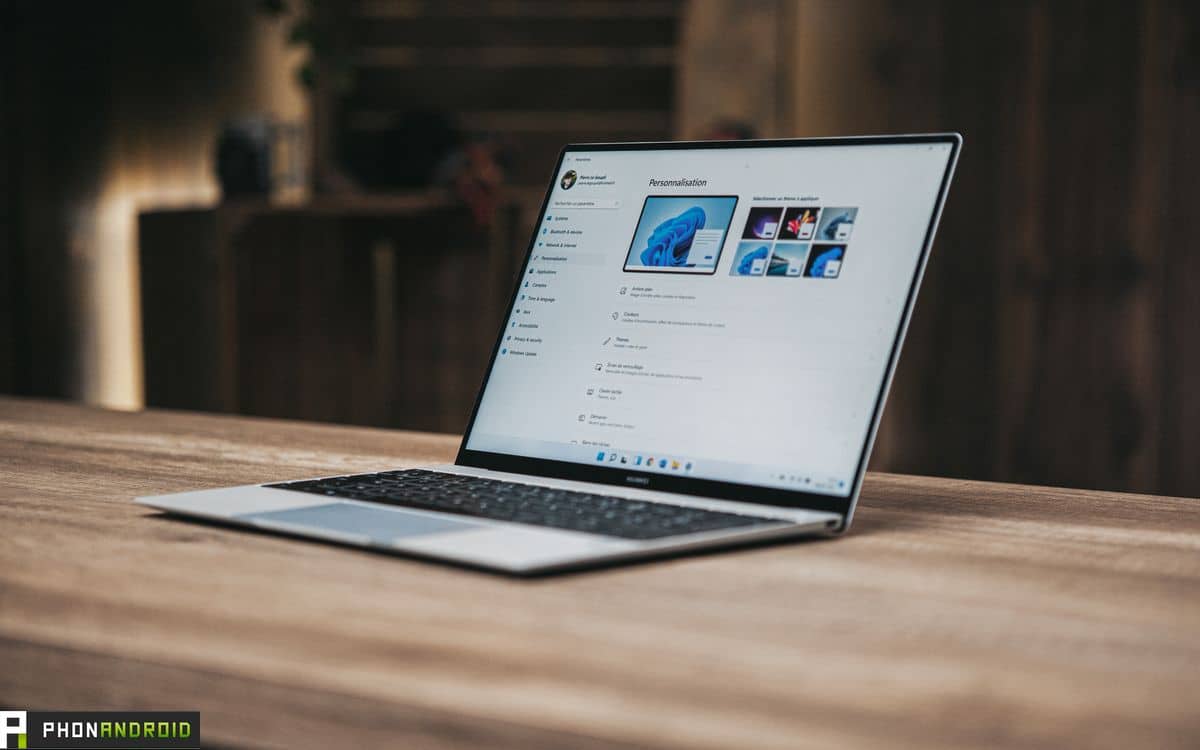
Windows 11 welcomes another big update for Insiders. Although it does not fundamentally change the experience, it brings many cool little things to the users. This version is currently in beta and will be available to the general public in a few weeks.
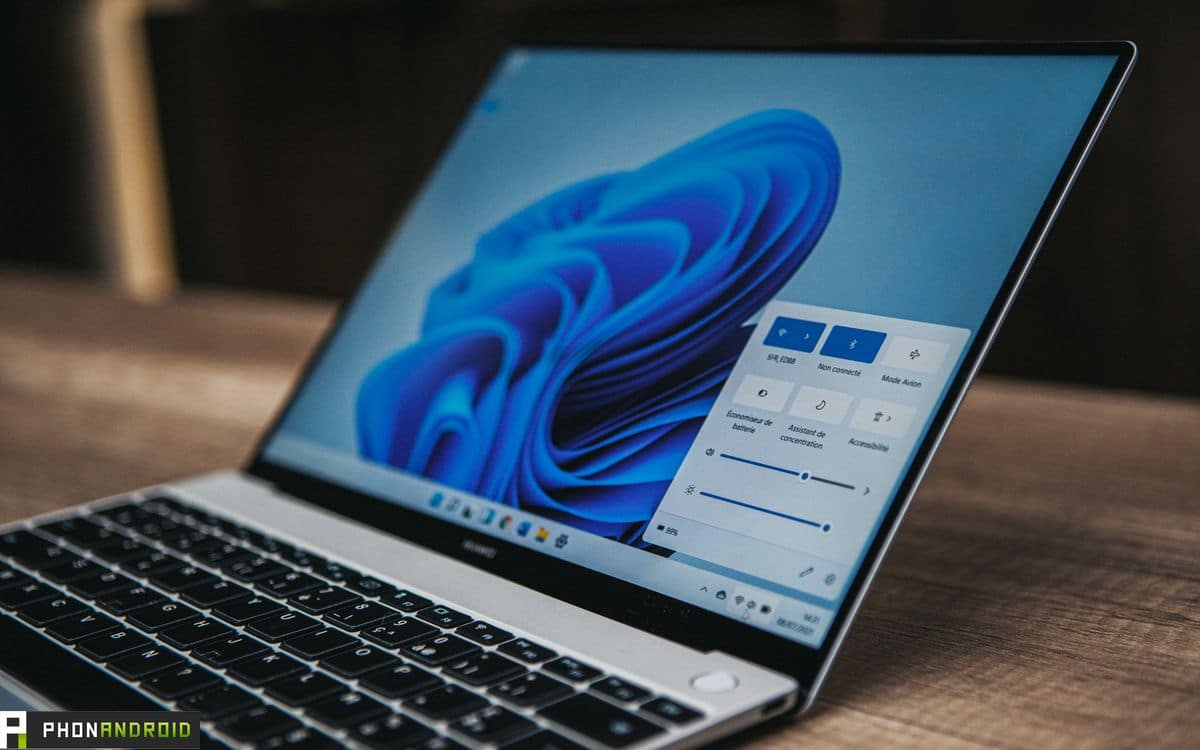
Microsoft has released a brand new update for Windows 11 For insiders. It’s called Build 22518, and it brings many bug fixes, But also interesting novelties To make life easier for users. Note that it is not available for computers running an ARM64 processor.
Read also – Windows 11: Some SSDs are slowing down due to a bug that’s been around for months
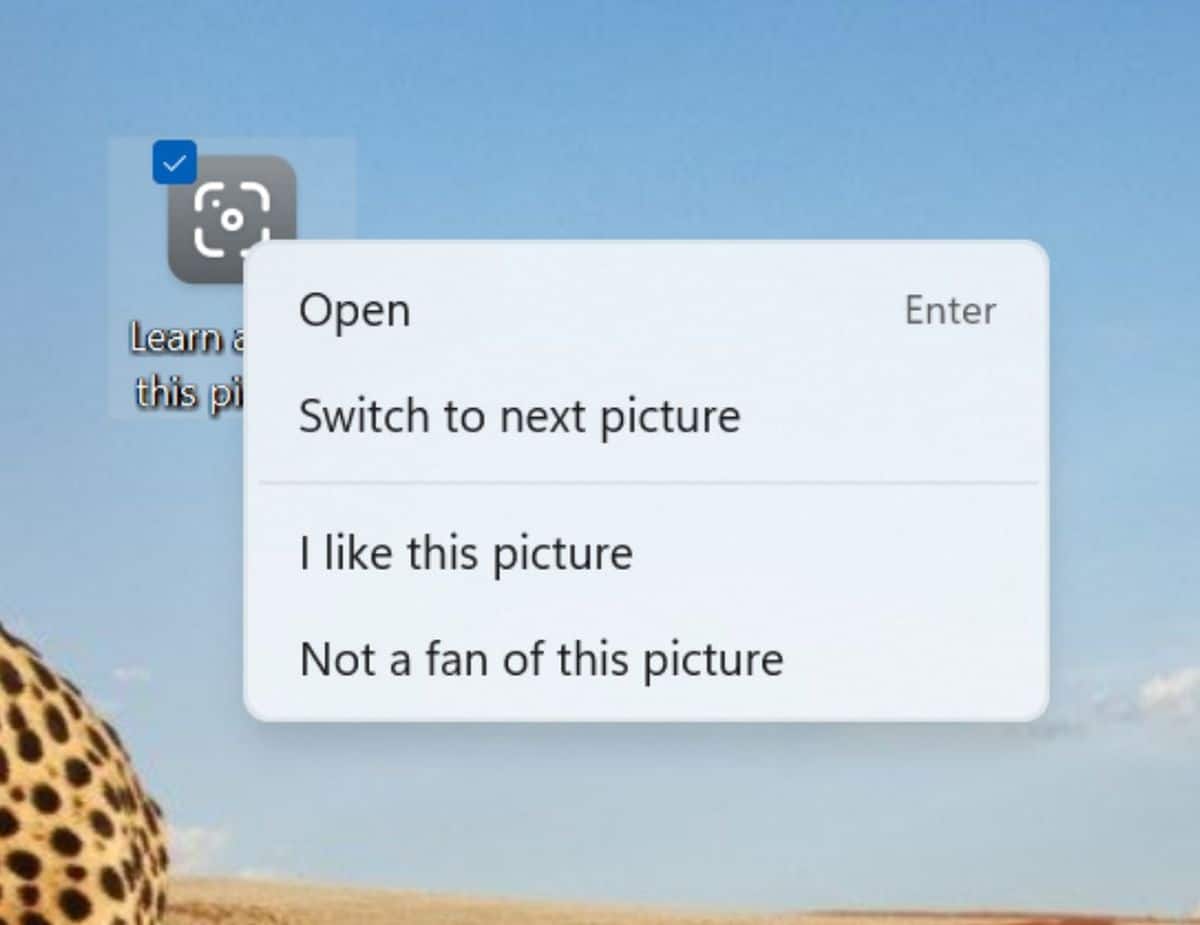
Microsoft lists the new features on its official website, focusing on three in particular. The first is the Spotlight group that appears in Windows customization options. Once activated, Spotlight will automatically change the wallpaper after 24 hours to give your desktop some variety. A new icon will appear on your computer, which will allow you to manage this function by going directly to the next background, for example.
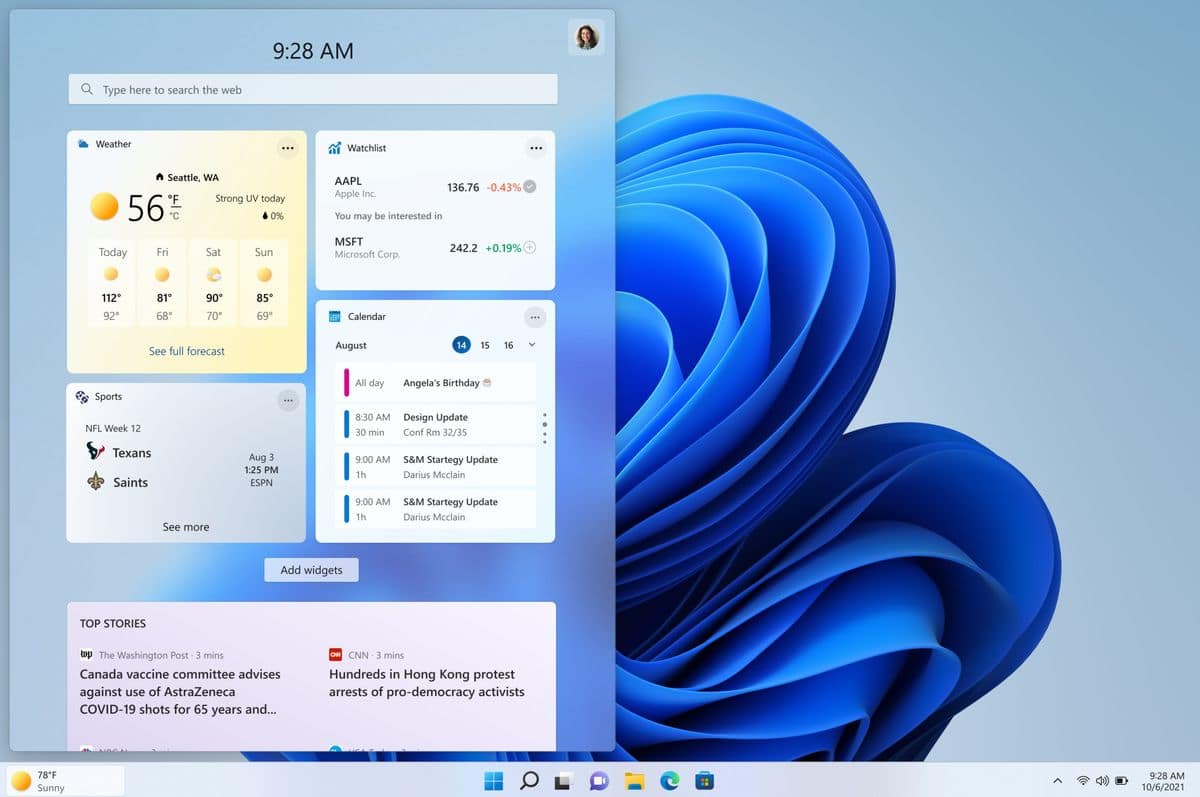
Windows 11 Redesigns Tab Widgets
The other grandmother is Enhanced widgets tab. If you center the taskbar, the tab will always be on the left and won’t show up as an icon like any other. In addition, the weather forecast is now displayed on the said icon. No need to click on it anymore.
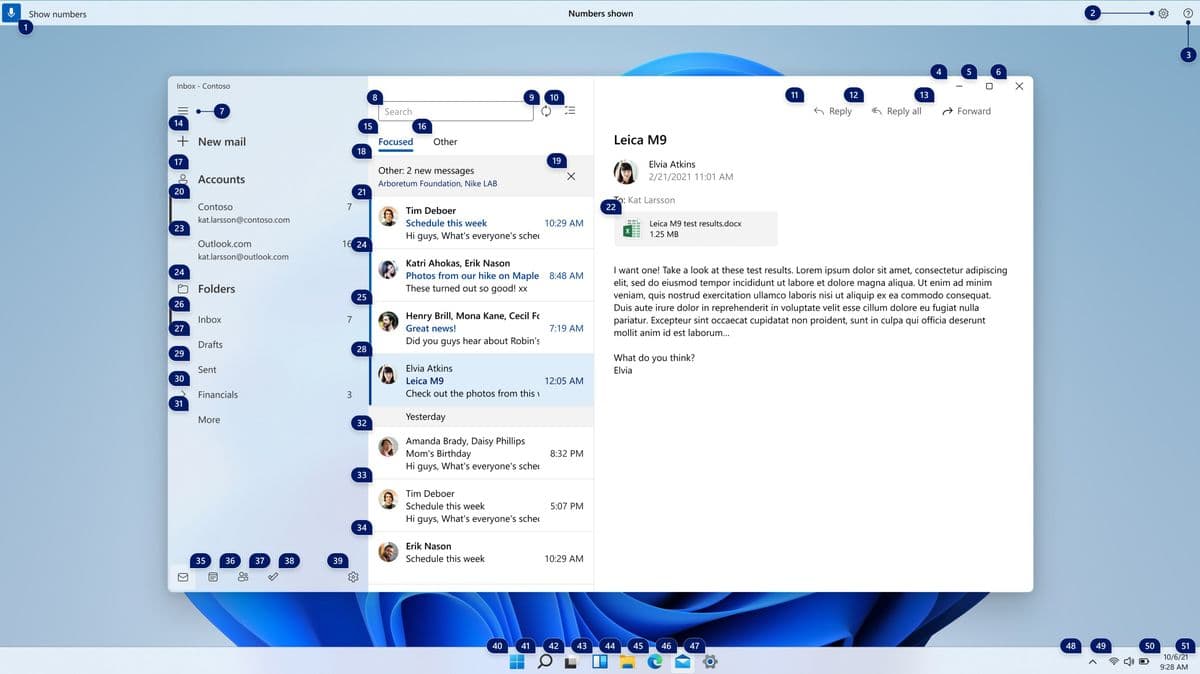
Latest innovations It is the inclusion of Voice Access. This allows you to navigate your computer by voice, which is great for people with mobility impairments. Thus, it is possible to ask Windows to open such and such an application by asking it. In programs with a lot of features, numbers will appear on the screen. It is then enough to say “Click the number 11” to access a particular function. It is also possible to place a numbered grid on the screen.
This version does not stop there, because it allows for example To install Windows Subsystem for Linux (WSL) Directly through the Microsoft Store. The tab that allows you to change the keyboard language has also been revised to be easier to use. The clock will also be visible on all taskbars if you are working on multiple screens, which is not the case today. Of course, all of this comes with its share of bug fixes.
To download this version 22518, You must sign up for the Insider Program as a developer.
Source : Microsoft

Evan McKenzie is a contributor at Vaughantoday.ca, covering a wide range of topics including local news, politics, business, technology, sports, entertainment, and lifestyle. He focuses on clear, balanced reporting that helps readers stay informed about current events and issues that matter to their communities. His work aims to provide useful information, timely updates, and relevant stories presented in an accessible and reader-friendly way.