

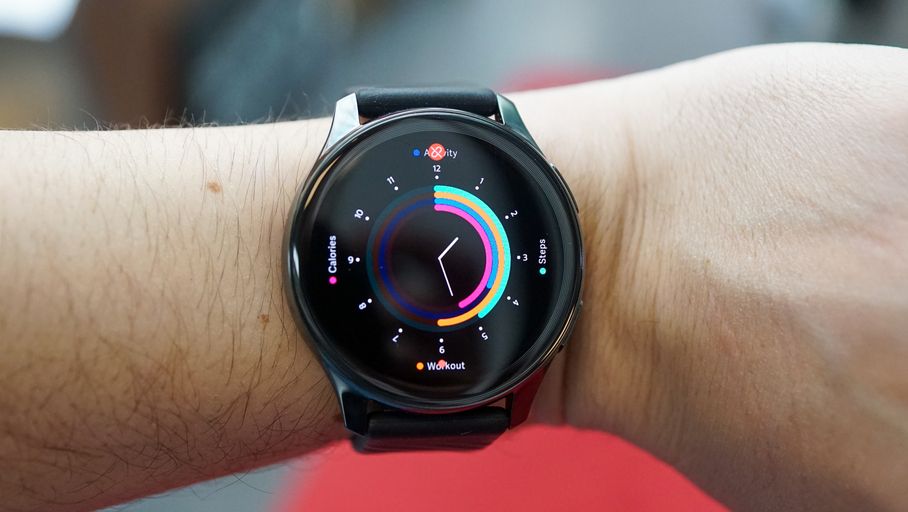
OnePlus Watch comes with a mobile app. But the timing is a little tight. The app is not available on iOS for our testing, and only on Android via the APK provided by the manufacturer. In fact, the version available on the Google Play Store is only available in certain regions of the world, not in Europe at the moment.
Otherwise, the application is divided into three parts. The first is dedicated to health and collects the collected data in the form of tiles. We have to admit that the aesthetic work is successful and that we enjoy browsing this section for reference to your heart rate, sleep, SpO2, or stress data. Each tile can be run to provide more detail to the user.
The second part called Fitness allows you to follow a sports session live on a smartphone, and it is completely anecdotal because the watch has its own GPS system. However, sports sessions can be analyzed here after the fact. Finally, the third part is dedicated to managing the watch, linking it to the app, choosing to dial, or choosing notifications to be received.
In short, the OnePlus Health app is very basic right now, but fun to use and consult.

Evan McKenzie is a contributor at Vaughantoday.ca, covering a wide range of topics including local news, politics, business, technology, sports, entertainment, and lifestyle. He focuses on clear, balanced reporting that helps readers stay informed about current events and issues that matter to their communities. His work aims to provide useful information, timely updates, and relevant stories presented in an accessible and reader-friendly way.