


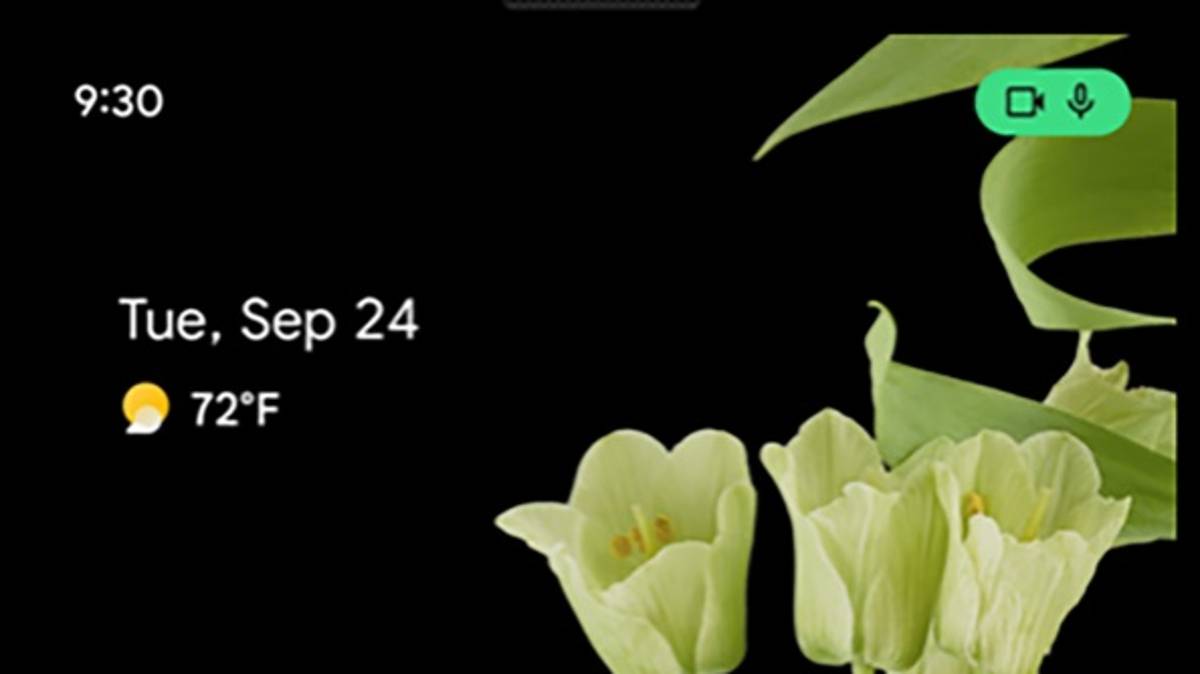
A feature on Android lets you know when apps are trying to use your camera or microphone — smart, right?
Google functionality is available in the latest Android 12 update, so you’ll need to make sure your phone is up to date before you can use it.
When you have the update, a small camera or microphone icon will appear in the upper right corner of the screen to let you know that an app is trying to use one.

This means that all the apps are trying to “spy” on you, and your phone will tell you.
However, just seeing any of the icons shouldn’t be a cause for concern as there are likely to be many apps you’re happy to allow access to your camera and microphone – TikTok, for example – but if you see an icon appear when you’re using an app that doesn’t need Accessing your phone or microphone, you can close it and check your permissions.
You can also see a history of which apps accessed your camera or microphone, and when and where it was used.
This information is available on the Privacy Dashboard in Settings.
If you are kind of a spy and want to make sure no apps get access to your camera or microphone, you can turn off the microphone and camera at the phone level in your quick settings.
Speaking in May at the launch of the update, Google said, “Android 12 includes new features that give you more transparency about which apps access your data, and more controls so you can make informed choices about how much private information your apps have access to.” “

The company added, “We’ve added a new indicator to the top right of your status bar so you know when your apps access your microphone or camera. And if you’d like to remove app access to these sensors for the entire system, we’ve added two new switches in Quick Settings.”
Apple iPhones have a similar feature, which was released with the iOS 14 update in September last year.
Apple wrote: “An indicator appears at the top of your screen when an app is using your microphone or camera. And in Control Center, you can see if any app has used it recently.
The company added, “Privacy is a fundamental human right and is at the heart of everything we do. That’s why with iOS 14, we’re giving you more control over the data you share and more transparency about how it’s used.”
.
