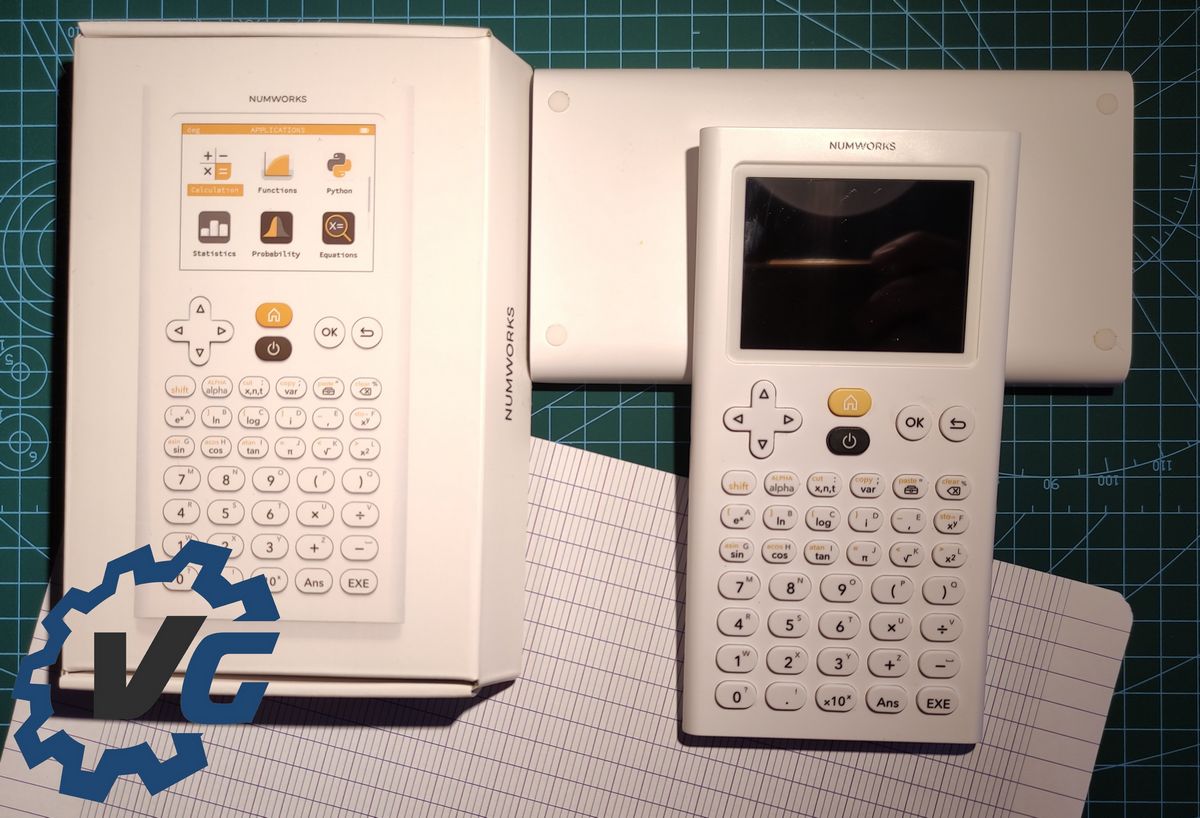
NumWorks – the innovative French calculator
NumWorks is a French startup that launched the graphing calculator of the same name in 2017. It quickly secured a small spot against competitors Casio and Texas Instruments in secondary schools as well as in higher education. calculator open source It’s supposed to be much closer to the current symbols for high tech.
Unboxing
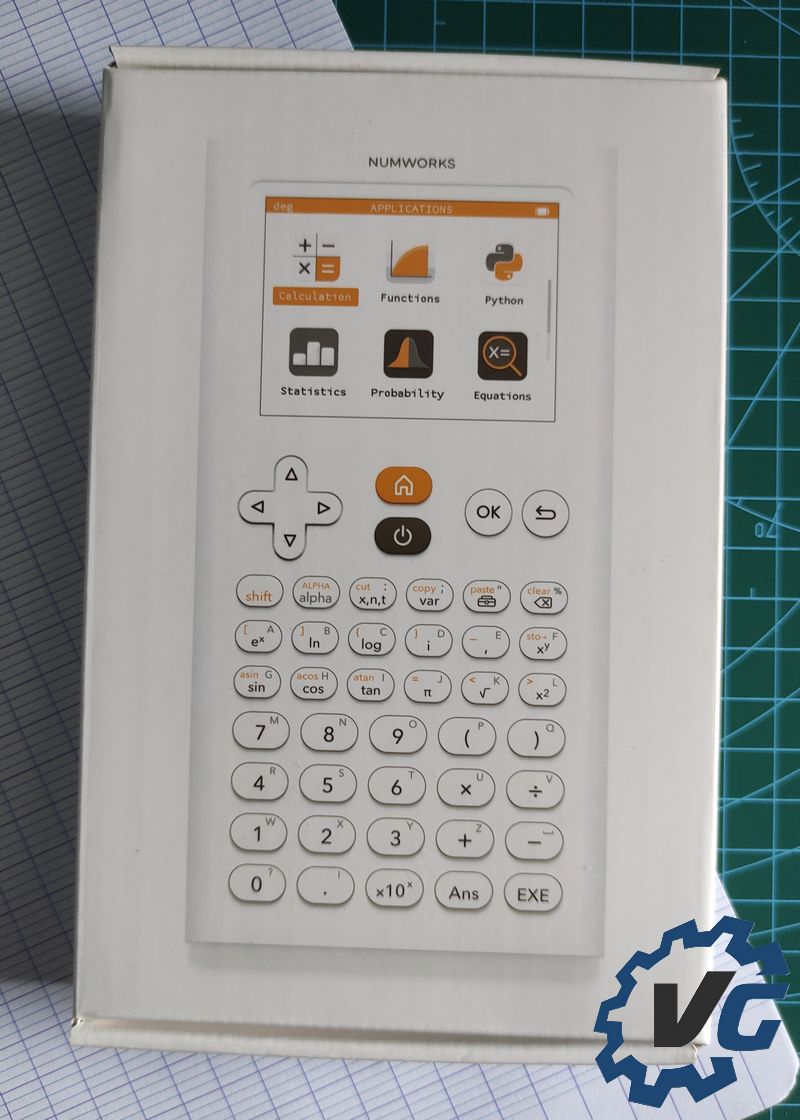
The product is packaged in a dark box. We find the front and back images of the calculator on the same sides of the package. On the edge of the latter we find the name of the company.
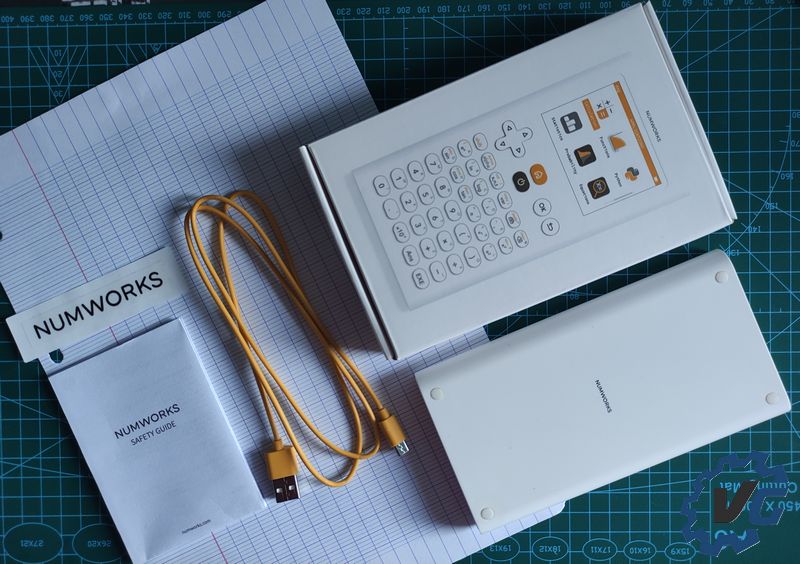
Inside, there is clearly a calculator as well as a manual, as well as a micro USB cable for recharging corresponding to the yellow found by a tip on the calculator. You will also have the right to a sticker bearing the image of the brand.
The calculator is found with dimensions very similar to the dimensions of a modern phone. In the face of competing models, we will be surprised at the centimeter thickness unlike the 2cm that can be found in the competition. This versatility is also made possible by the fact that it is also about ten grams lighter.
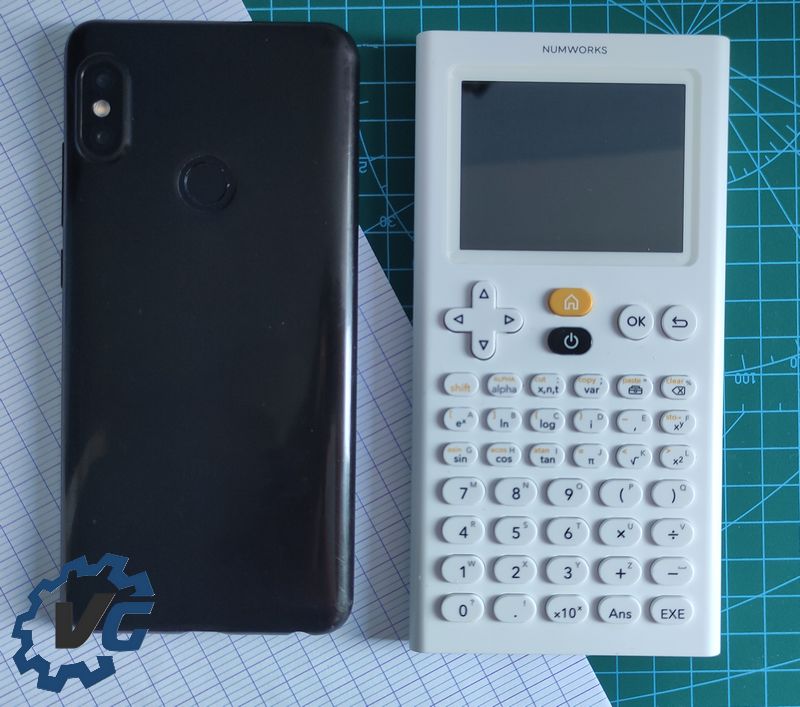

Dimensions comparison pictures vs Redmi note 5 (6 inch)
Show
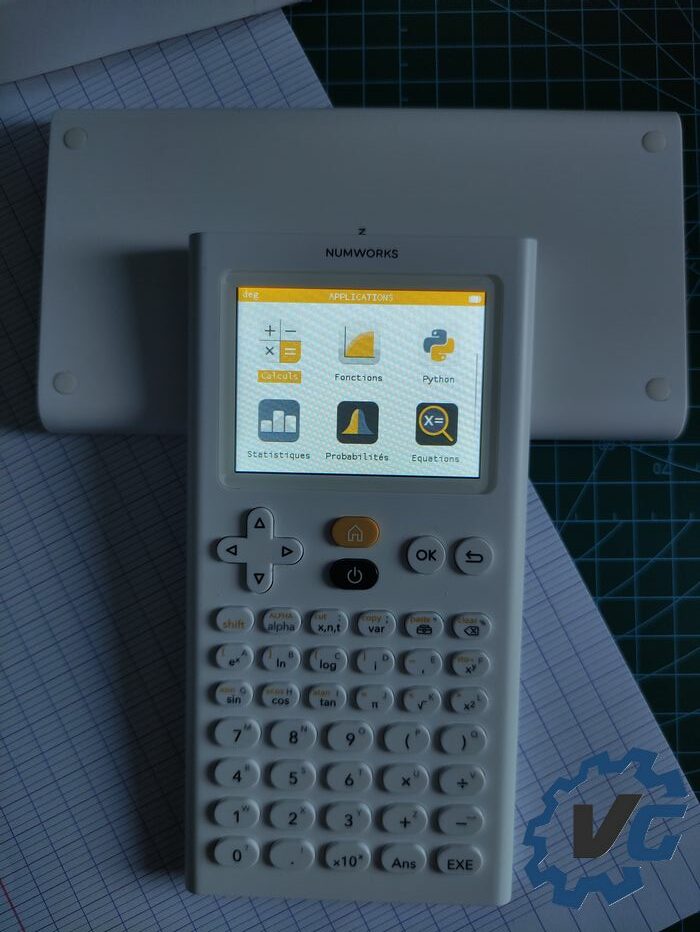
Once out of the box, you can remove the calculator’s protective cover to see the keyboard and screen. stay on the design Stylish with white keyboard with gray and yellow keys. At the top of the latter are buttons that allow navigation. Below are all the keys used to enter arithmetic operations, such as common mathematical functions, factors, and numbers.
When you start the device for the first time, it will be possible to select the language. After this step, we come across a list with “Applications”. This navigation system is similar to smart phone It allows for fairly natural and intuitive organization of functions. There are nine basic “applications” of the most obvious such as calculations or functions, with a smaller number such as regressions, including one that allows parameters to be modified. In the latter application, it is possible in particular to activate the scan mode, adjust the screen brightness or change the format for writing calculations and results.
There is also the Python programming language, in which small code can be written and executed. This language is the language retained by the national education to be taught in secondary schools.
Technical Features
| physical properties | |
| the color | plank |
| Dimensions (L x l x h) | 16.0 x 8.2 x 1.0 cm |
| the weight | 167 g |
| Technical Features | |
| Healer | ARMv7 at 216MHz |
| flash rom | 8 mu |
| Shame | 256 k |
| Connection | USB Micro-B . port |
| rechargeable battery | 1450 mAh Li-polymer type |
| Monitor |
|
| Exam mode | ✔ |
Uses
As of this writing, Numworks has been my primary calculator for two years and has followed me through my high school graduation and now into graduate school. In general, the calculator provides all the expected functions at this level and is not restricted. On the contrary, I find that we can find quite a few practical items that are not located anywhere else or hidden in submenus.
The correct resolution color screen combined with the appropriate operating system provides visual comfort providing very good readability for calculations and graphics.
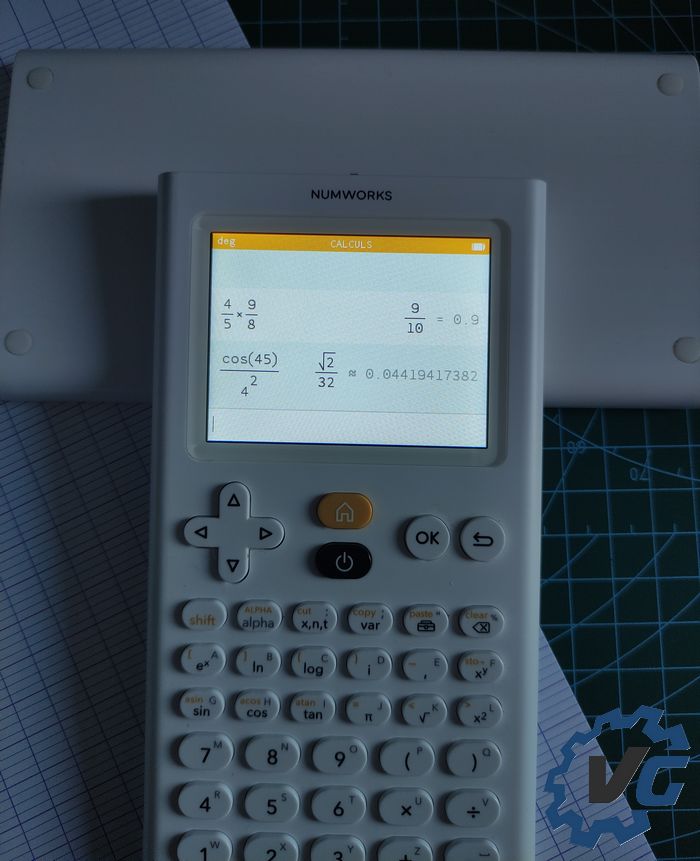
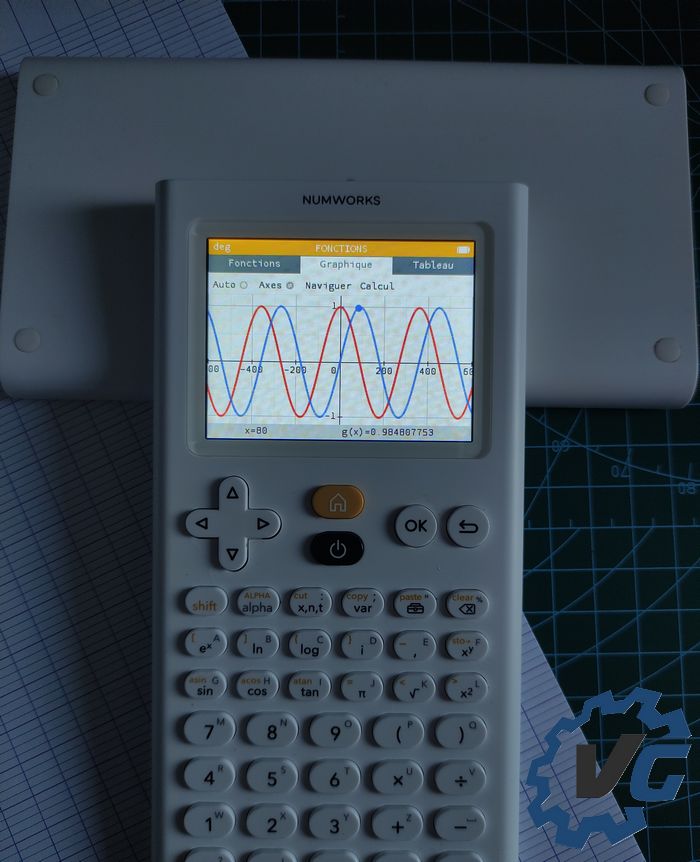
Regarding autonomy, I’m used to the calculator in low light which suits most indoor situations. Under these circumstances, I’ve never had a battery shortage problem by only recharging it two or three times a year by plugging it into a USB port, and this affords the opportunity to update the operating system. Other than that, when the battery is almost empty, the calculator will show you a message, and from that moment on you will have no problem ending your day with it.
Numworks plus
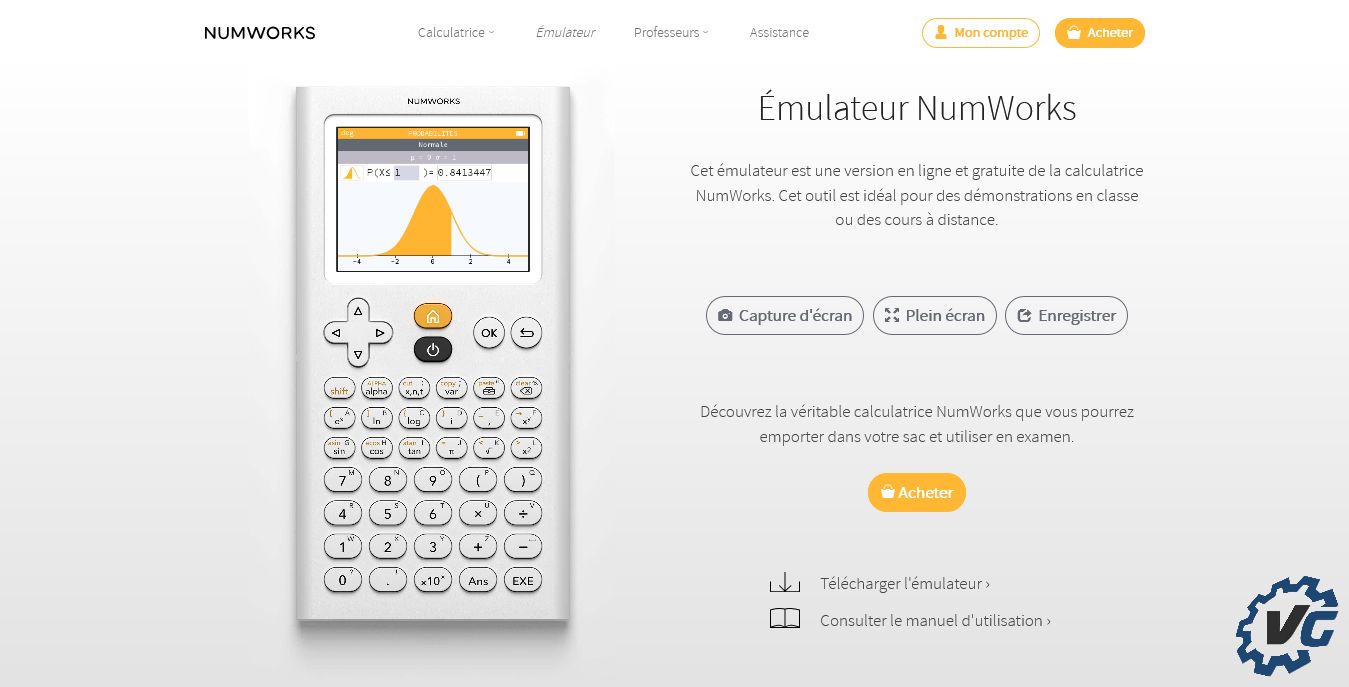
Numworks offers a complete set On-line. In fact, from this if the calculator can be updated, then no specific program is needed. From this site, it is also possible to write Python programs saved in your account. It is then possible to share it with the community and inject it into your calculator.
strong point and presencesimulator, always on the same site allowing an unrestricted virtual calculator to get an opinion on it or simply to use a full calculator. Also note that the same emulator is in the app Iphone And Android Also for free and without restrictions, this allows you to always have a complete calculator in your pocket and take advantage of the habits obtained with the real calculator on the phone.
The most open source
being calculator open source Both hardware and software, this offers a lot of possibility for personal modification or to be found on the Internet.
From a physical point of view, it is easy to implement projects of electronic modifications or to the chassis in order to improve it in your own way.
In the program, this allows you to create “applications” and add them to the calculator. A good example of this is the addition of a periodic table which is unfortunately missing from Numworks Core. For this, a community project called Omega has been created, in particular, it offers an operating system derived from the platform by adding some options. For example, you can find a periodic table from which you can extract data to the calculations part, or a display function if you wish. I personally joined this project and used Omega OS, it keeps all the good points of the initial project while also offering a good touch of functionality.
Location Omega Just like Numworks, it offers the ability to update calculator, emulator On-line Also on the phone Android Only and up to the 3DS if you want. In addition, it is just like the base platform which is updated regularly to offer new functionality and there is no problem in switching between the two.
conclusion
Numworks Calculator provides all the features you would expect from a calculator €79.99 On the official website or now the most popular online or actual retailers. I add to this a modern touch by taking inspiration from phones that have particularly appealed to me in everyday use. the side open source It is also a very good point, because it allows you to easily benefit thanks to the community of features and in addition, it is also possible to create your own “apps” if you have a particular need.