


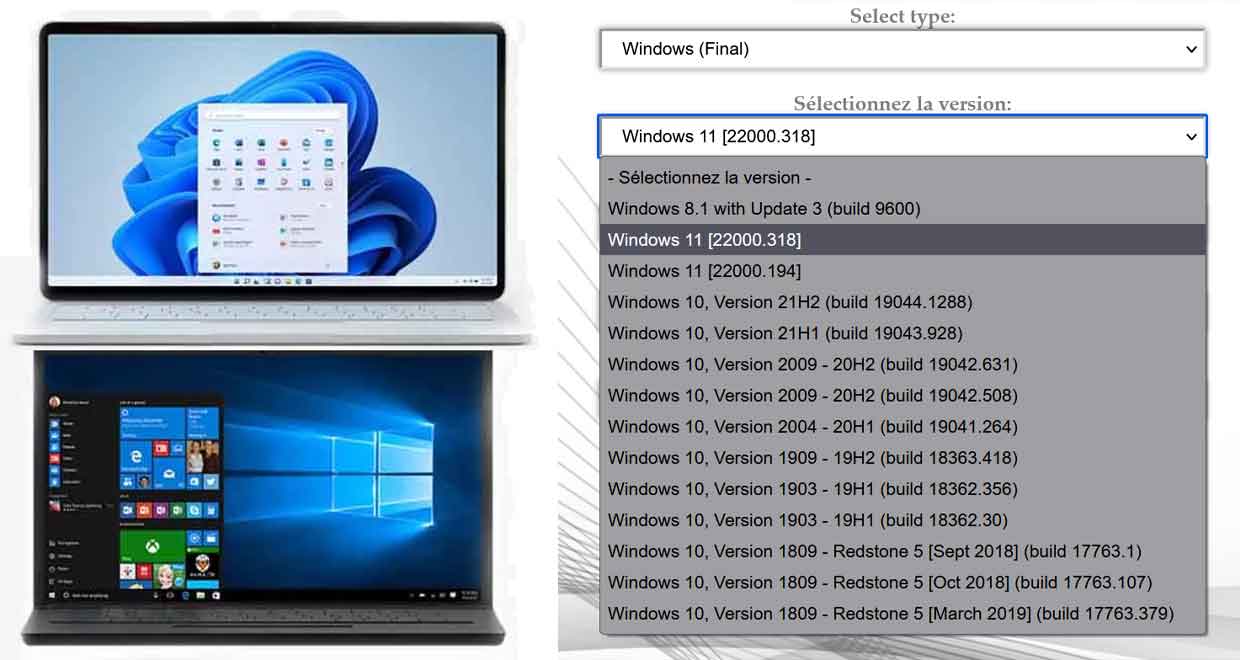
Windows 10 21H2 and Windows 11 ISO images are available on Microsoft servers. This is a super fast way to get them back easily.
Microsoft is trying to upgrade Windows 10 and Windows 11 through Windows Update. It is clear that the company offers its operating system in the form of updates. If the approach has the advantage of being simple for the user, it also has a downside. It imposes certain restrictions.
So it’s no surprise that there are alternatives for upgrading your PC to these two environments. One of them involves downloading ISO files for installation. These images allow you to burn to a DVD to create installation media. The USB device can also be used as a USB flash drive. It is also a way to install both operating systems in virtual environments.
Microsoft has its own tool for recovering them. me’Feasibility Unfortunately it is not perfect and is limited to ISO images of the latest versions. If a feature update is published, the tool will give access to that new version and not the initial version of Windows. Moreover, ISO images published under the “Insider” program cannot be restored.
Windows 10 and 11 Quick Solutions to Recover Installation ISO Files
Fortunately, there is a way to get around all of these limitations. Just go to TechBench. This service works using a simple web browser on any device and any operating system.
It does not require any admin rights, no account and does not require any registration. Its purpose is to provide access to many ISO images for both operating systems. The list is not complete but the possibilities are indeed many.
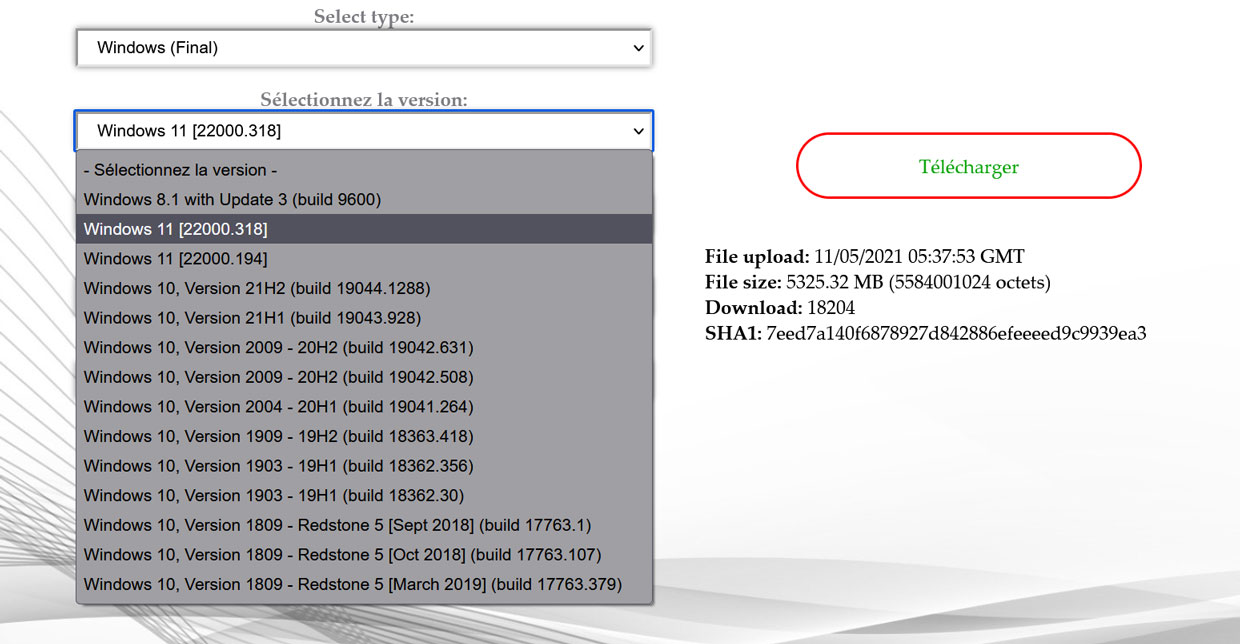
For Windows 11 we have two builds, 22000.194 and 22000.318 while for Windows 10 the selection is bigger from 1809 to 21H2 build 19044.1288
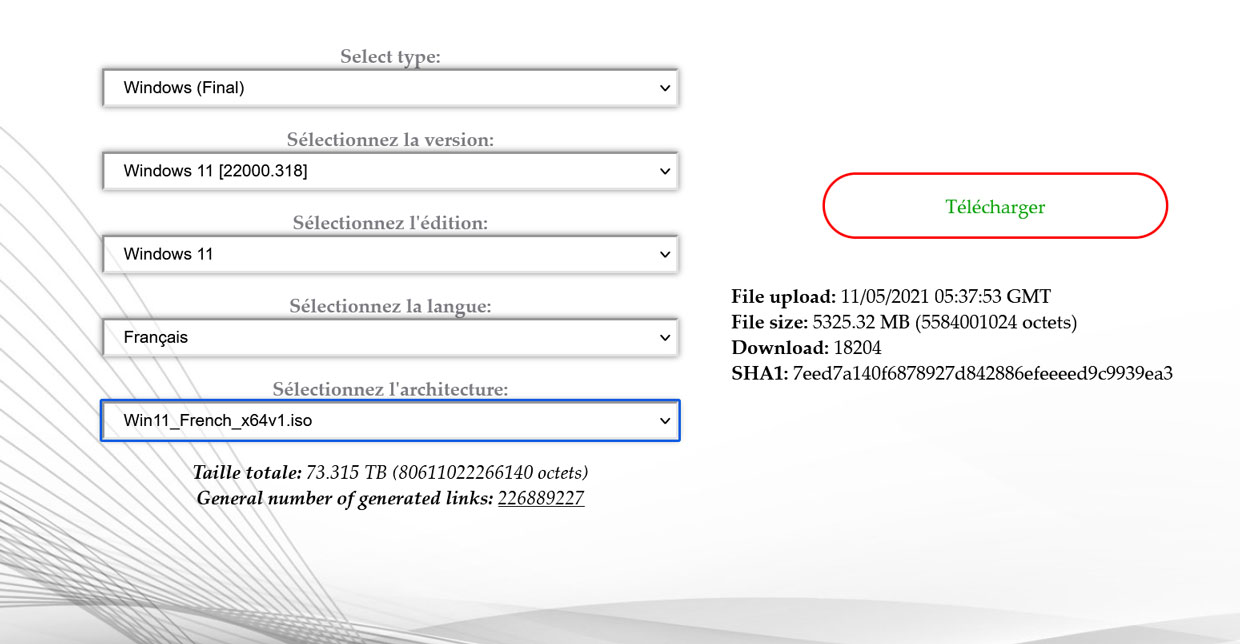
The procedure is
- Go to .’s website techbenchAnd the
- Choose what you want to download (Windows, Office…),
- Select the desired version of Windows 10 or Windows 11,
- select the desired language,
- Select the desired architecture, usually x64.
All you have to do is click download. File source from Microsoft servers. You will also find many important information. In the case of Windows 11 version 22000.318 French (x64), the file size is 5325 MB and was published May 11, 2021 at 5:37 PM.
Note that you can change the interface language at the top right.
