

Close Menu
    Facebook X (Twitter) Instagram
    Trending
    • Hauser’s Marks 45 Years With Province-Wide Customer Celebration and Renewed Focus on Community Care
    • Young drivers face elevated collision risks after consuming edible cannabis, new CAA-funded study finds
    • Salvation Army Thrift Store Marks 40th Ontario Location with Peterborough Opening
    • Early Blast of Winter Prompts Safety Warnings from Ontario Road Authorities
    • HONOR Takes Home Two TIME Best Inventions 2025 Awards for Smartphone Breakthroughs
    • Toronto Set to Host Largest LEGO® Fan Event in Canadian History
    • Hank Azaria and Caitlin Morrison Champion Mental Health Through Music at Toronto’s Koerner Hall
    • Bricks in the Six to Build Canada’s Largest-Ever LEGO® Fan Event This November
    Facebook X (Twitter) Instagram YouTube
    Vaughan TodayVaughan Today
    • Home
    • Top News
    • World
    • Banking
    • Explore Canada
    • How to
    • Solutions
    • Contact Form
    Vaughan TodayVaughan Today
    Home»Tech»Microsoft supports and revives an essential part of the Control Panel
    Tech

    Microsoft supports and revives an essential part of the Control Panel

    Jillian CastilloBy Jillian CastilloJanuary 22, 2022No Comments2 Mins Read
    Microsoft supports and revives an essential part of the Control Panel
    Share
    Facebook Twitter LinkedIn Pinterest Email

    Even if Microsoft wanted to bury it, the Windows Control Panel didn’t say its last word. In the latest version of Windows 11, the Network Manager appeared in the Control Panel again, while recently Microsoft tried to hide it permanently.
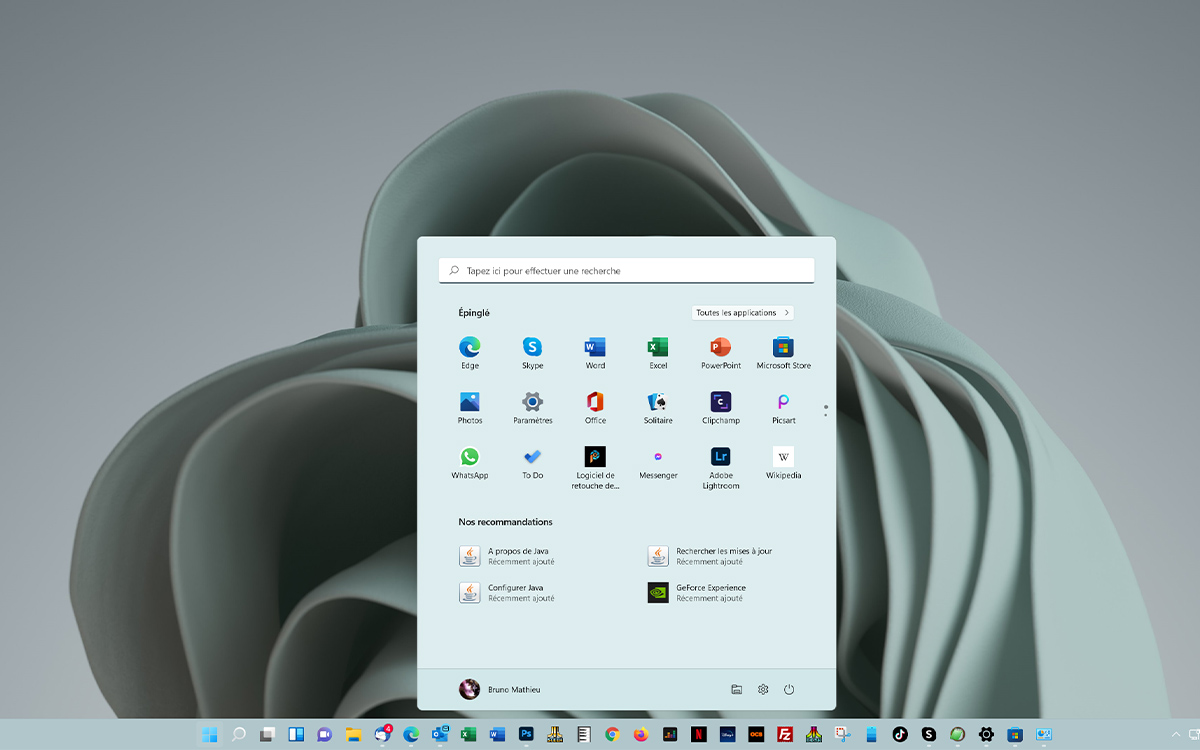
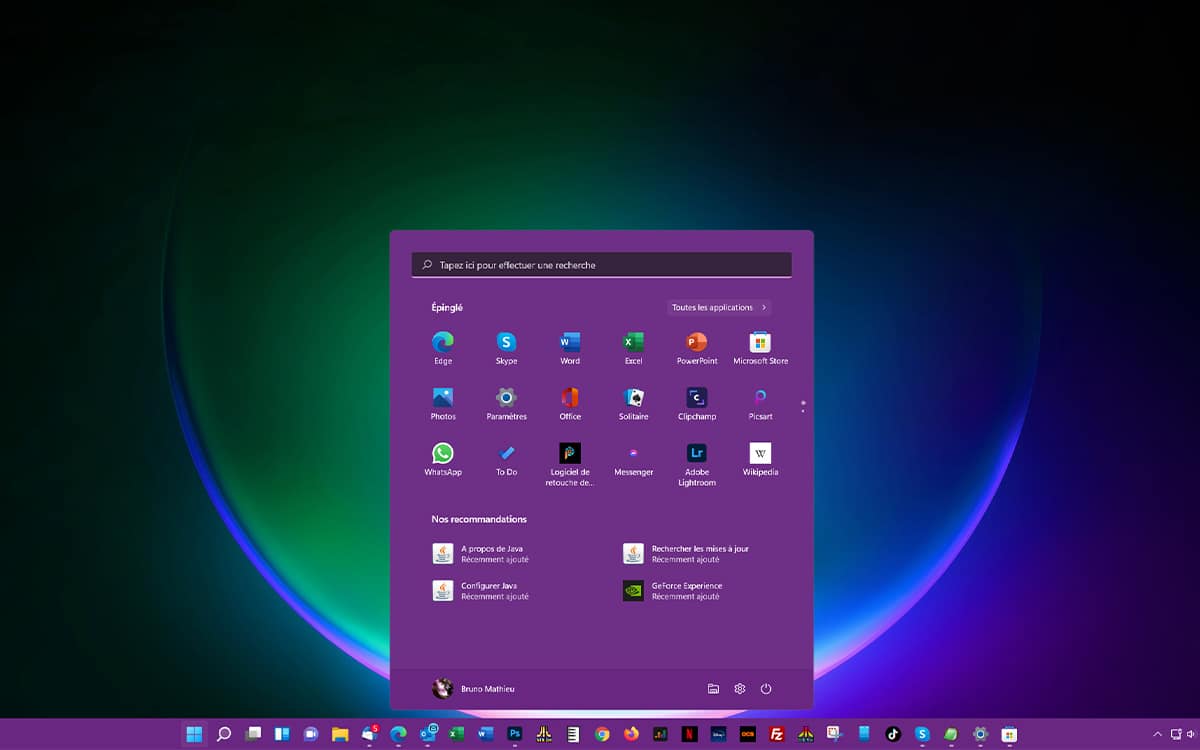
    Start in Windows 11

    It’s been almost 10 years now Microsoft is trying to replace its Control Panel with the Settings app. This module appeared in Windows 8, and is now ubiquitous in Windows 10 and Windows 11. Whether it’s to adjust the display, change network settings, manage installed applications, or run Windows Update, Settings app is now mandatory. And even if the Control Panel is still there, most of the possible settings refer systematically to the Settings module. Microsoft is slowly killing the Control Panelwhich many regulars continue to use.

    In recent versions of Windows 11, Microsoft made the decision to bury one of the basic elements of Control Panel: Network Connection Tool, which allows you to manage your connection to the web and the local network. When you try to access it through the Control Panel, it’s the module Settings > Network and the Internet > Advanced network settings who shoots. Although the Network Connection Tool (ncpa.cpl) is still located in the operating system’s WindowsSystem32 directory, it cannot be executed.
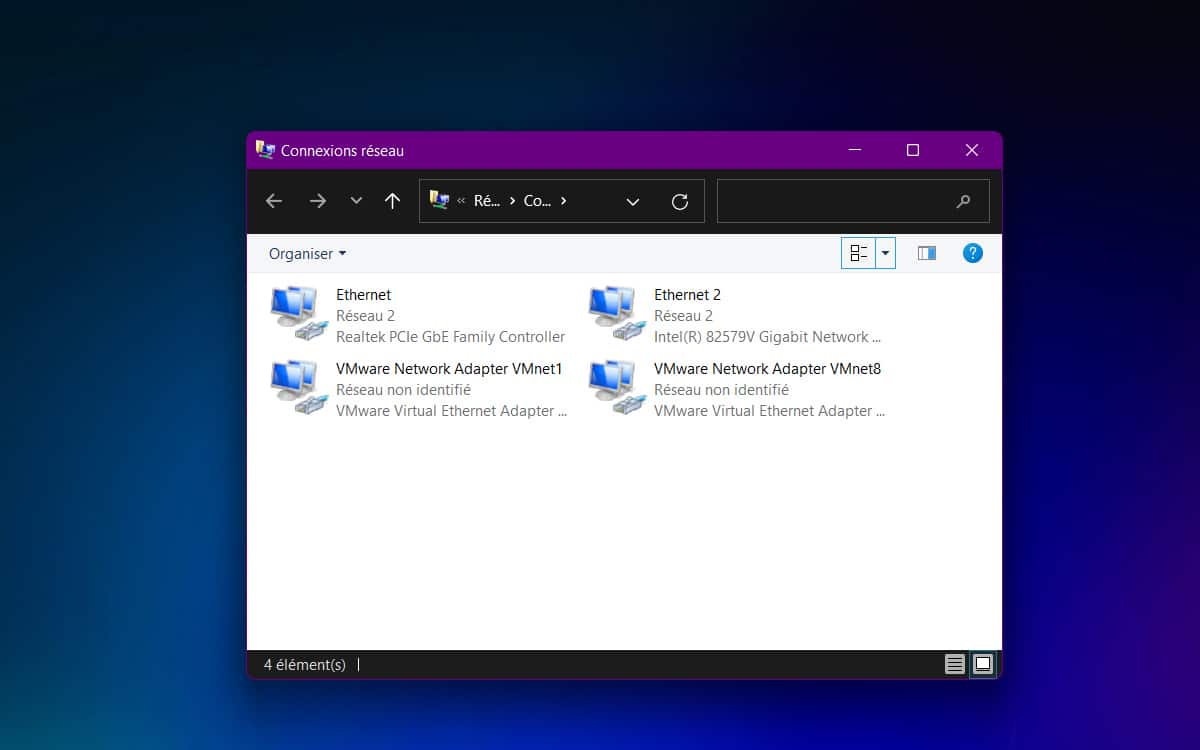
    Windows 11 Network Manager Control Panel

    Return to Network Manager in Control Panel

    Good news for those who find that the network settings in the Settings app are not many enough. In the Windows 11 Preview 22538, which can be accessed by users of the Windows Insider Program, Microsoft has reversed its decision. Network Connection Manager is working again.

    So it is possible to run the ncpa.cpl application either manually or by connecting to the control panel. Microsoft has not provided any explanation for this decline. It is possible that the decision was made due to limited network settings capabilities via the Settings module. Some on Reddit enjoy explaining that Windows developers may have had problems managing their own network, and that they weren’t able to troubleshoot it via the new interface… which makes them have to return the old one.

    source : sleeping computer

    Share. Facebook Twitter Pinterest LinkedIn WhatsApp Reddit Tumblr Email
    Jillian Castillo

    "Proud thinker. Tv fanatic. Communicator. Evil student. Food junkie. Passionate coffee geek. Award-winning alcohol advocate."

    Related Posts

    MSI Unveils Black Friday Discounts on Flagship Laptops and Handhelds

    November 1, 2025

    Rare Earth Metals: Essential Uses and the Global Supply Chain

    October 4, 2025

    Bell error 2000: Troubleshoot and Solutions

    June 4, 2023
    Facebook X (Twitter) Instagram Pinterest
    © 2025 ThemeSphere. Designed by ThemeSphere.

    Type above and press Enter to search. Press Esc to cancel.