

Close Menu
    Facebook X (Twitter) Instagram
    Trending
    • Hauser’s Marks 45 Years With Province-Wide Customer Celebration and Renewed Focus on Community Care
    • Young drivers face elevated collision risks after consuming edible cannabis, new CAA-funded study finds
    • Salvation Army Thrift Store Marks 40th Ontario Location with Peterborough Opening
    • Early Blast of Winter Prompts Safety Warnings from Ontario Road Authorities
    • HONOR Takes Home Two TIME Best Inventions 2025 Awards for Smartphone Breakthroughs
    • Toronto Set to Host Largest LEGO® Fan Event in Canadian History
    • Hank Azaria and Caitlin Morrison Champion Mental Health Through Music at Toronto’s Koerner Hall
    • Bricks in the Six to Build Canada’s Largest-Ever LEGO® Fan Event This November
    Facebook X (Twitter) Instagram YouTube
    Vaughan TodayVaughan Today
    • Home
    • Top News
    • World
    • Banking
    • Explore Canada
    • How to
    • Solutions
    • Contact Form
    Vaughan TodayVaughan Today
    Home»Tech»Windows 11 and Microsoft fix 7 errors affecting File Explorer and Taskbar
    Tech

    Windows 11 and Microsoft fix 7 errors affecting File Explorer and Taskbar

    Jillian CastilloBy Jillian CastilloAugust 19, 2022No Comments2 Mins Read
    Windows 11 and Microsoft fix 7 errors affecting File Explorer and Taskbar
    Share
    Facebook Twitter LinkedIn Pinterest Email

    The latest preview of Windows 11, version 25182 offers several fixes. It is intended for computers registered on the DEV channel of the Windows Insider Program.

    The focus is on fixing problems. Microsoft has addressed several issues affecting the taskbar and file explorer. At the same time, the Start menu crash that prevents apps from launching from the Home screen is becoming a thing of the past.

    Regarding the taskbar, we have three fixes. The first two issues presented were addressed. Redmond explains

    “We fixed a bug that causes the overflow dropdown menu to appear unexpectedly on the other side of the screen. This bug was flagged as a fix in version 25179. We also fixed an issue that caused taskbar animations to display incorrectly when the user navigates From tablet position to desktop position by connection overflow condition. »

    The third patch resolves an issue where explorer.exe crashes when the system tries to determine whether the taskbar override should be displayed. This can happen when exiting a full screen game.

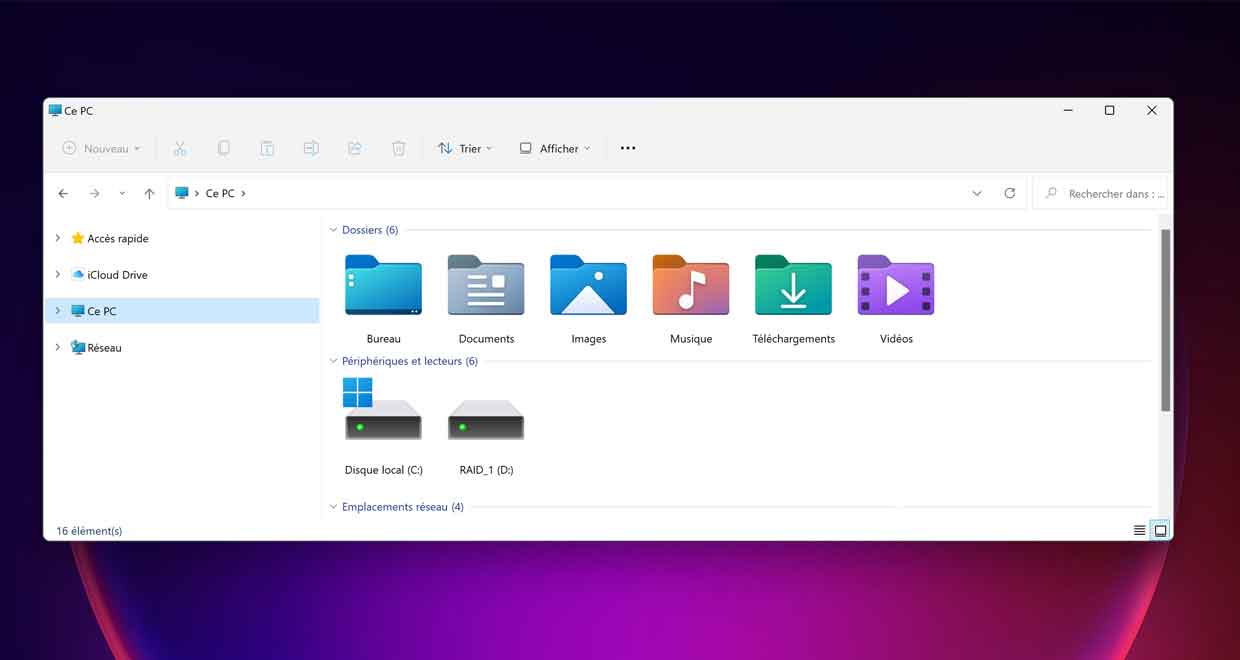
    On the File Explorer side, we have four fixes. One of the most notable of those files is about folders that can repeat themselves. Microsoft explains that in some cases, the Home Page, Documents, Pictures, and even other folders can be duplicated in the Navigation Pane and even appear on the desktop. This problem has been corrected. In addition, a fix for an issue that prevented the left half of the title bar from sliding with the mouse or touch. The request to open multiple folders in a new tab now works while an update allows Narrator to access the OneDrive folder using the navigation pane.

    Windows 11 build 25182 Available only through the Insider Program.

    Share. Facebook Twitter Pinterest LinkedIn WhatsApp Reddit Tumblr Email
    Jillian Castillo

    "Proud thinker. Tv fanatic. Communicator. Evil student. Food junkie. Passionate coffee geek. Award-winning alcohol advocate."

    Related Posts

    MSI Unveils Black Friday Discounts on Flagship Laptops and Handhelds

    November 1, 2025

    Rare Earth Metals: Essential Uses and the Global Supply Chain

    October 4, 2025

    Bell error 2000: Troubleshoot and Solutions

    June 4, 2023
    Facebook X (Twitter) Instagram Pinterest
    © 2025 ThemeSphere. Designed by ThemeSphere.

    Type above and press Enter to search. Press Esc to cancel.